


.avif)
TL;DR: Event WiFi requires enterprise-grade hardware that scales to 1,000+ concurrent users. UniFi Dream Machine Pro works for most events (controller + routing + switching in one device). Larger deployments need Cisco Meraki, Aruba Central, or Ruckus SmartZone. Budget for 1 AP per 50-75 users, cellular backup, and PoE switches. Cloud-managed systems like Spotipo work with 30+ router brands, eliminating vendor lock-in.
Picking the wrong WiFi hardware for events means discovering your network can't handle the load when 500 people try to connect simultaneously.
This guide covers what actually works - from routers that scale to authentication systems that don't collapse under concurrent connection surges.
Why Event Hardware Differs
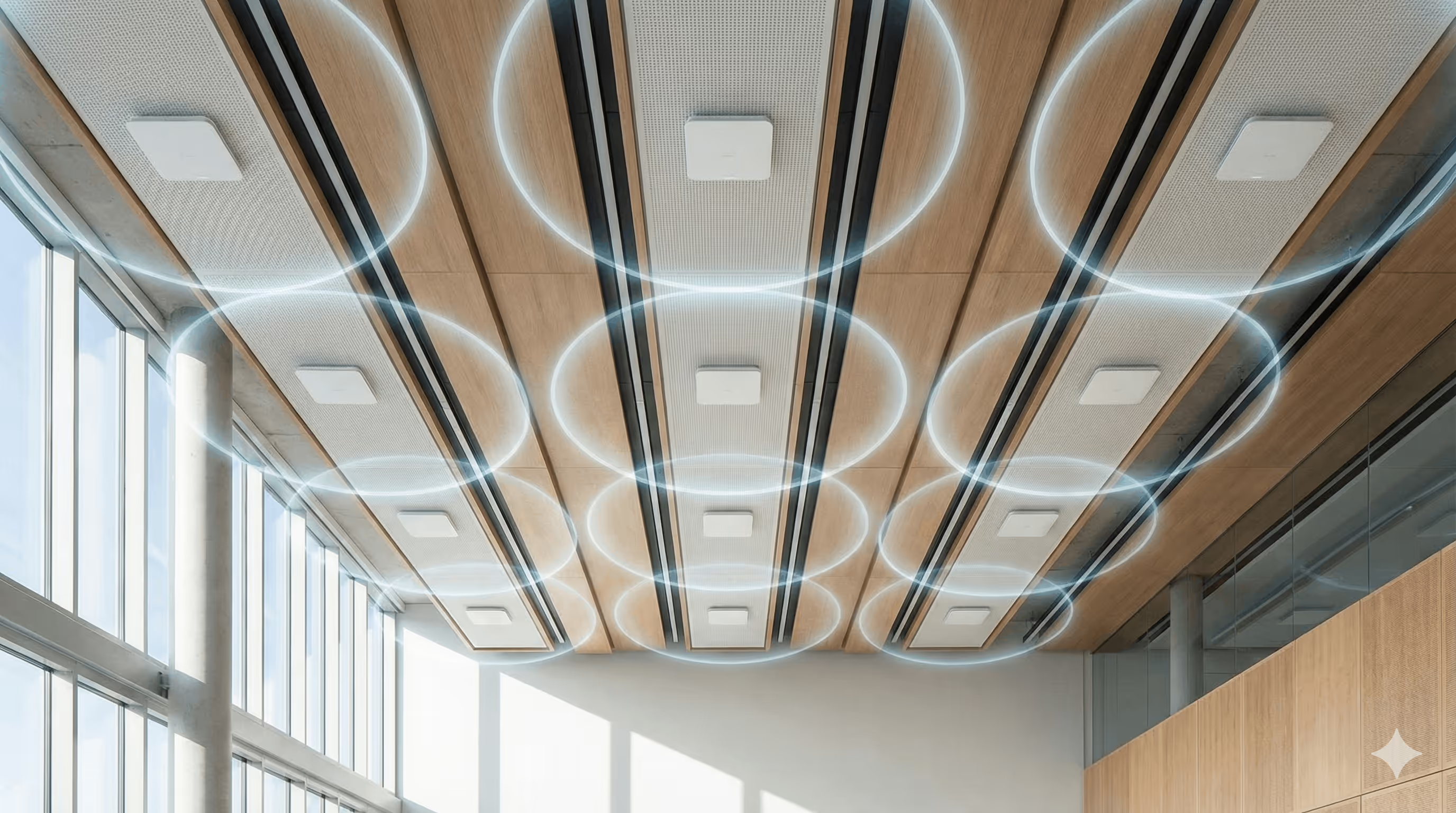
Consumer WiFi serves 20-30 devices. Business WiFi handles 50-100 concurrent users across an 8-hour workday. Event WiFi manages 500+ users connecting in the first 15 minutes, all hitting the captive portal simultaneously.
The hardware architecture determines whether your network survives opening rush or becomes the reason attendees complain on social media. Enterprise systems handle thousands of concurrent connections. Consumer routers crash under event load.
Router Systems That Actually Scale
UniFi (Ubiquiti) - Best for Most Events

UniFi Dream Machine Pro combines controller, routing, and switching in one portable device. Setup with Spotipo takes roughly 30 minutes if you've configured it before.
Dream Machine handles up to 3,500 devices theoretically. Real-world deployments comfortably support 1,000-1,500 concurrent users. Add switches and APs when crowds exceed 5,000 concurrent connections.
Cloud Key and UDM systems provide centralized management without hauling servers to venues. Configure remotely, monitor in real-time, troubleshoot from anywhere.
UniFi covers 95% of Spotipo customers. The ecosystem offers weather-resistant outdoor APs, high-density conference APs, and flexible mounting - everything events need.
Setup requirements:
- UniFi Controller (Cloud Key, UDM, or software-based)
- Internet-accessible 24/7 during event
- Spotipo integration via direct connection or reverse proxy
Trade-offs: Works brilliantly for events up to 5,000 concurrent users. Larger festivals might need enterprise systems.
MikroTik - For Technical Teams
MikroTik RouterOS delivers powerful features at significantly lower costs than UniFi or enterprise systems. The catch: configuration demands networking expertise.
MSPs managing multiple event clients love MikroTik. Template the configuration once, deploy consistently across different venues. Advanced bandwidth management and QoS policies provide granular control over traffic shaping and user policies.
RouterOS 7 and 8 support WireGuard VPN, enabling more secure connections between Spotipo's cloud portal and your router.
Price point makes it attractive for MSPs deploying across dozens of events annually. MikroTik systems cost 40-60% less than equivalent UniFi infrastructure.
Trade-offs: Configuration complexity means longer setup. Not ideal for teams without networking expertise or events requiring rapid deployment.
Cisco Meraki - Enterprise Reliability
Meraki Go serves small to medium events (500-2,000 attendees). Meraki MX and Meraki Access Points handle larger deployments. Cisco WLC 9800 powers large-scale events requiring 10,000+ concurrent connections.
Cloud-managed infrastructure means configuring splash pages, adjusting policies, and monitoring from anywhere. Existing Cisco infrastructure at corporate venues makes Meraki the natural choice. Support contracts guarantee response times for mission-critical events.
Trade-offs: Higher licensing costs than UniFi or MikroTik. Enterprise clients value the reliability and support structure.
Aruba (HPE) - Large Event Specialists
Aruba Instant On handles small to medium events. Aruba Central manages large-scale deployments across multiple venues. Aruba IAP (firmware 6.5+) integrate seamlessly with Spotipo - APs form virtual controller cluster automatically.
Large festivals and corporate conferences leverage AI-powered RF optimization, automated troubleshooting, and predictive analytics. Proven reliability at massive scale - major music festivals and convention centers trust Aruba infrastructure.
Trade-offs: Enterprise pricing matches enterprise features. Perfect for large deployments where network failure carries significant reputation risk.
Ruckus - Performance Focus
Ruckus SmartZone manages campus-scale deployments. Ruckus Unleashed provides controller functionality built into APs. Ruckus Zone Director suits medium events requiring centralized management without cloud dependency.
BeamFlex technology adapts antenna patterns in real-time as crowds move. Superior RF performance in challenging environments with metal structures, dense crowds, and interference.
Trade-offs: Less ecosystem integration than UniFi. Requires networking knowledge. Strong choice when WiFi performance is paramount.
TP-Link Omada - Budget-Conscious Quality
Omada SDN Controller offers cloud management at price points between consumer and enterprise equipment. Scales reasonably to medium events (2,000-3,000 concurrent users). Integration with Spotipo provides professional captive portal without enterprise licensing costs.
Other Supported Systems
Fortinet Firewalls integrate with Spotipo for events requiring enterprise security features. RADIUS authentication and granular bandwidth control suit corporate environments with strict security policies.
Cambium cnMaestro, Mist Access Points, Draytek, Zyxel Nebula, Teltonika, and Ruijie routers all integrate with Spotipo's captive portal system. The platform's router-agnostic architecture prevents vendor lock-in.

How Many Access Points Do Events Need?
Hardware capacity matters less than AP distribution. One high-capacity router means nothing if access points can't handle user density.
Quantity formula: 1 AP per 50-75 users
Quantity formula: 1 AP per 50-75 concurrent users, not per attendee. At roughly 40% concurrency, a 2,000-person event has around 800 people connected at once.
Essential AP features for events:
5GHz band support: Handles higher throughput with more non-overlapping channels (36, 40, 44, 48, 52, 56, 60, 64) than 2.4GHz. Minimize 2.4GHz for high-density.
High-density mode: Prevents slow devices from monopolizing capacity. Critical for conferences with various device generations.
Weather resistance: IP65 or IP67 ratings for outdoor festivals. Handle temperature swings, moisture, and dust.
PoE (Power over Ethernet): Run single cables instead of separate power and network. PoE+ (802.3at) delivers 25.5W. PoE++ (802.3bt) provides 51-73W for outdoor APs.
Fast roaming (802.11r): Seamless handoff between APs for moving crowds.
What Infrastructure Do You Need Beyond Routers?
Internet Connectivity
Calculate minimum bandwidth: concurrent users × Mbps per user × 1.4 for headroom. The variable people get wrong is concurrency. Not everyone is connected at once, and those who are do not all stream at peak rate. Example: a 3,000-person festival at 40% concurrency is 1,200 connected users. At an average of 2 Mbps each, that is 2.4 Gbps, or roughly 3.4 Gbps with headroom. Sizing on total attendee count at peak streaming rates produces numbers an order of magnitude too high.
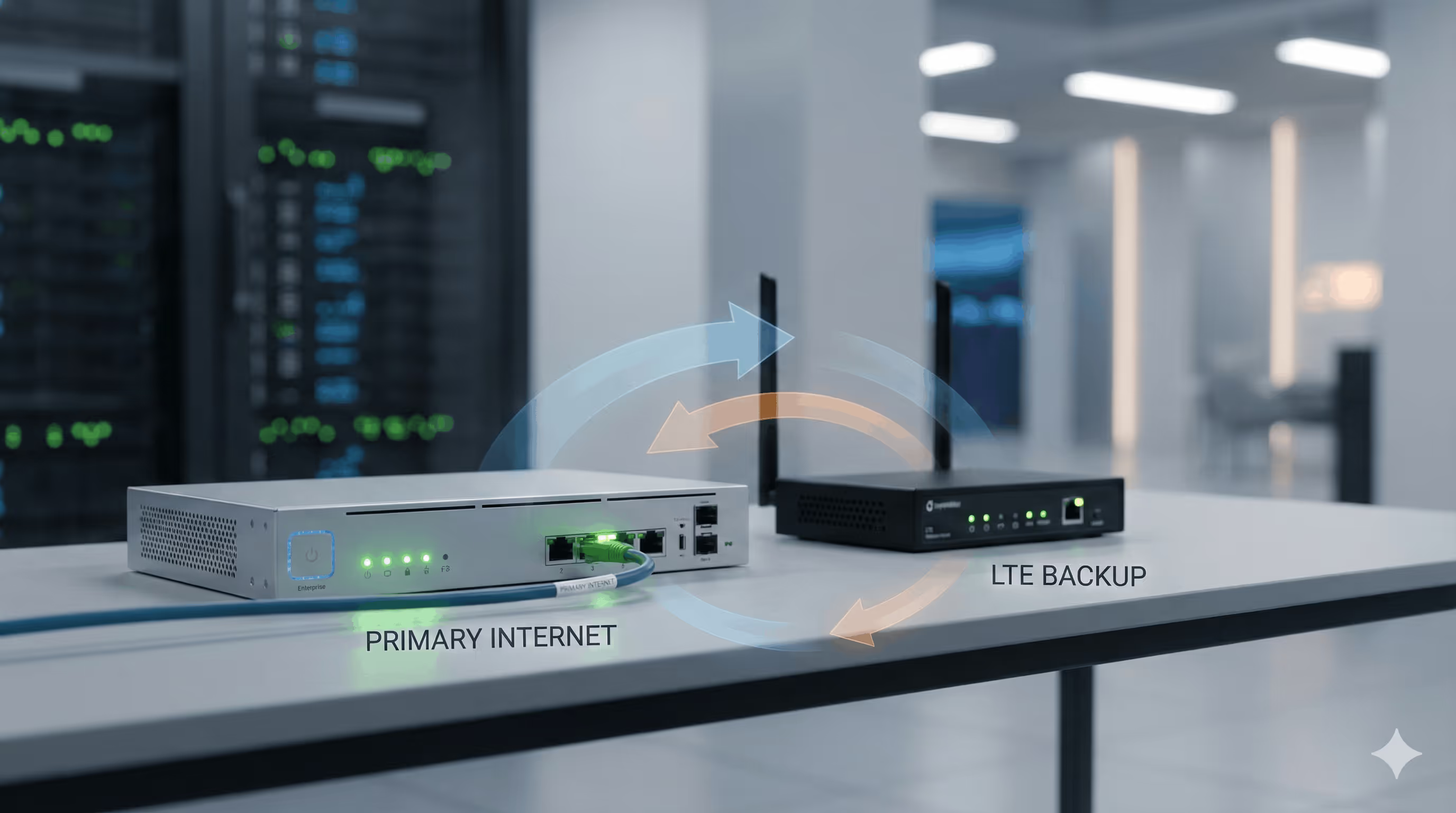
Primary circuit from venue plus cellular LTE backup with automatic failover isn't optional. Outdoor venues have unreliable wired internet. LTE routers (Cradlepoint, Peplink) provide automatic failover. Budget $500-1,500 for equipment plus data plans.
Switching Infrastructure
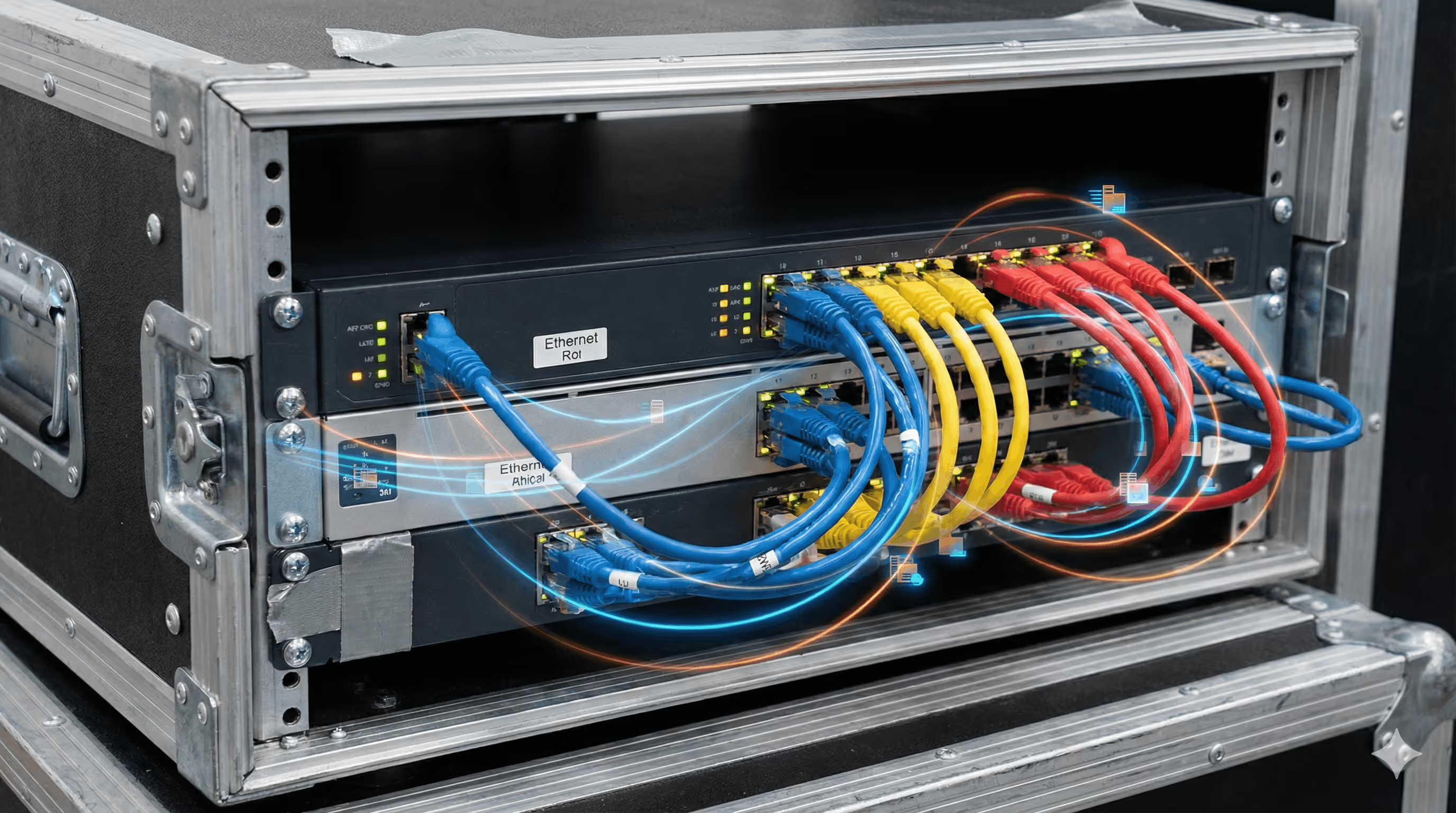
Managed PoE switches power access points and enable VLAN segmentation. Calculate port count: APs + uplinks + management + 20% spare capacity.
PoE budget matters: each AP draws 15-30W. 24-port switch with 370W budget powers roughly 15-20 standard APs. Stacking capability simplifies management when deploying 100+ APs across large venues.
Mounting Solutions
Conference halls: Ceiling mounts or weighted poles. Position APs above seating with overlapping coverage, not perimeter-only.
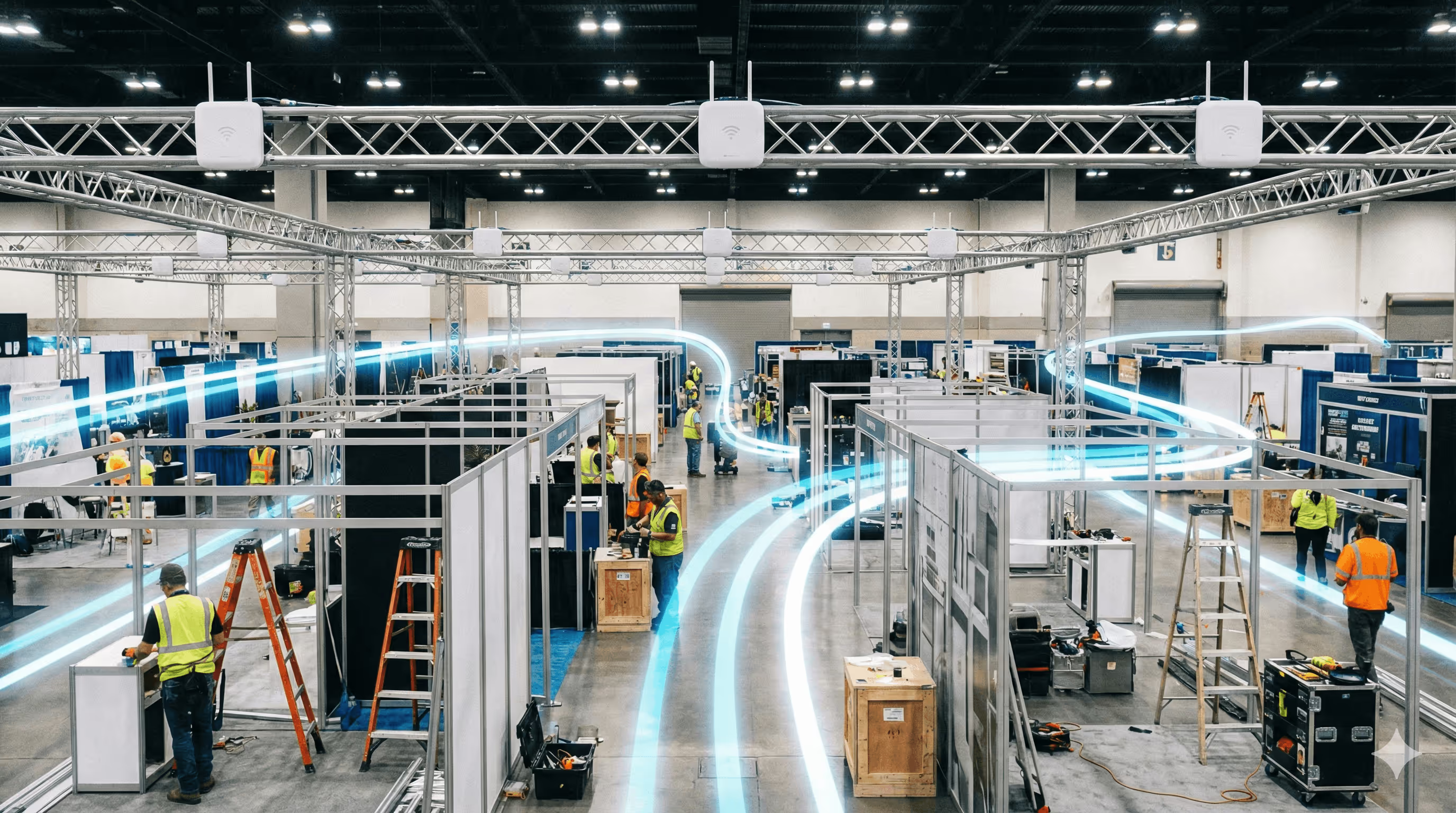
Trade show floors: Truss-mounted APs at booth intersections. Metal structures block signals.
Outdoor festivals: Weather-resistant equipment on 10-15 foot poles. Guy wires or weighted bases prevent wind damage.
Exhibition centers: Coordinate with venue on rigging points. Many prohibit drilling - use magnetic or weighted mounts.
Controller Architecture: Cloud vs On-Premise
Cloud controllers enable remote configuration without hauling servers to venues. Configure networks before arriving, troubleshoot remotely. Trade-off: if venue internet fails, management fails.
On-premise controllers provide local management independent of internet. Network keeps working even if venue internet dies. Critical for mission-critical events.
Hybrid approach: cloud controller plus local backup. Switch to backup if venue internet fails. Worth the complexity for high-stakes events.
Captive Portal Integration
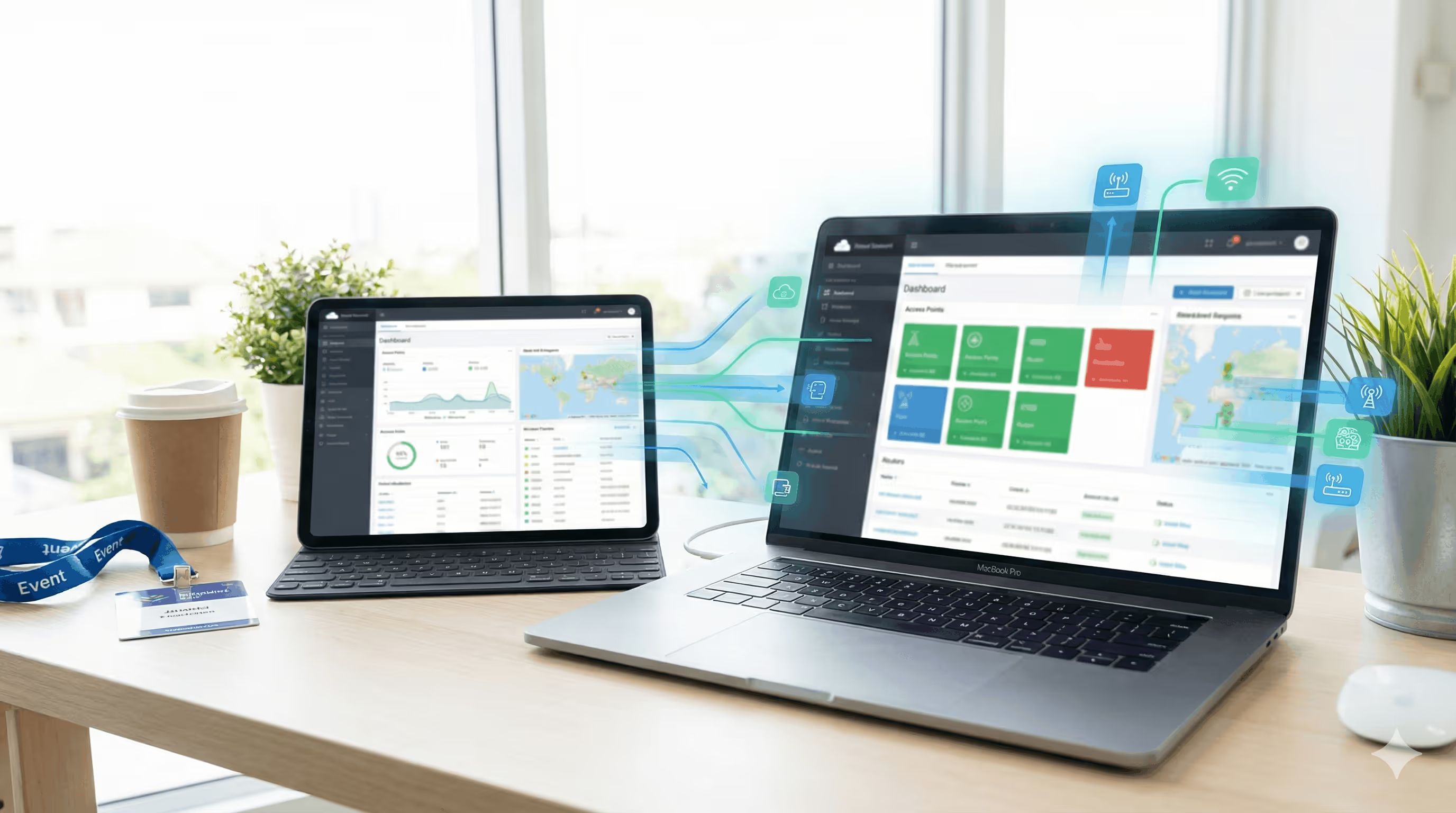
Hardware alone doesn't create professional event WiFi. Captive portal systems like Spotipo transform basic connectivity into lead generation and revenue opportunities.
Cloud-based portals deploy in under an hour. Connect your router (UniFi, MikroTik, Cisco, Aruba, or 30+ other brands), configure splash page, authenticate attendees immediately.
Key features: Email capture syncs to Mailchimp, Klaviyo, or HubSpot automatically. Voucher systems create tiered access (4-hour codes for attendees, 72-hour for exhibitors, unlimited for VIP). Multi-event management handles simultaneous deployments. Sponsor-branded splash pages deliver guaranteed impressions.
Hardware budgets, as of 2026, run roughly $3,000 to $5,000 for small events, $8,000 to $15,000 for medium, and $25,000 upward once you reach festival scale. The matrix above covers what each tier needs.
Common Hardware Mistakes
Too Few Access Points for the Density
This is the most common failure and the hardest to fix on the day. Overloaded access points do not fail cleanly, they degrade, so guests see slow pages and dropped authentications rather than an obvious outage. Size on concurrent users per space, not on attendee count across the venue.
Consumer Hardware at Event Scale
Residential routers are built for twenty or thirty devices in a house, not five hundred connecting in the same fifteen minutes. They do not gradually slow down under that load, they stop responding. No configuration change compensates for it.
No Backup Internet
A single circuit is a single point of failure, and outdoor venues are where wired connections are least reliable. Cellular failover with automatic cutover costs a fraction of what the outage costs, and it needs testing before the event rather than during it.
The Wrong Access Point for the Environment
Indoor units at outdoor festivals and standard units in packed halls are both common and both avoidable. Outdoor deployments need IP65 or IP67 ratings, and high-density spaces need access points built for it, which is a different product rather than more of the same one.
Ignoring the PoE Budget
Each access point draws 15 to 30 watts, so a 24-port switch with a 370 watt budget powers roughly 15 to 20 of them, not 24. Calculate total wattage before buying switches, or you will discover the shortfall while mounting the last few units.
Testing Requirements
VVisit the venue 24 hours before doors open and set up a representative portion of the network. Test the complete user journey from where attendees will actually stand, not from beside the access point.
Verify concurrent capacity with a traffic simulation tool such as iPerf, and test authentication under that load rather than testing it once from your own phone. Then check failover properly: disconnect the primary circuit and confirm cellular backup activates on its own, without anyone touching anything.
Frequently Asked Questions
What router system works for most events?
UniFi Dream Machine Pro covers the majority of event deployments, combining controller, routing, and switching in one portable unit. It comfortably handles events up to around 5,000 concurrent users. Beyond that, enterprise systems such as Aruba Central, Cisco Meraki, or Ruckus SmartZone are the better fit.
How many access points do I need for my event?
Plan for one access point per 50 to 75 concurrent users. At around 40% concurrency, a 1,000-person conference needs 6 to 8 access points and a 15,000-person festival needs 80 to 120. Distribute them based on where people actually gather rather than on a site-wide average, because a packed keynote hall needs the density even when the venue total looks comfortable.
Should I use cloud or on-premise controllers?
Cloud controllers let you configure and troubleshoot remotely without hauling a server to the venue, but management stops working if venue internet fails. On-premise keeps working regardless. For anything mission-critical, run a hybrid: cloud controller with a local backup you can fall back to.
What's the minimum budget for event WiFi hardware?
As of 2026, roughly $3,000 to $5,000 for small events, $8,000 to $15,000 for medium, and $25,000 upward at festival scale. Cellular backup adds $500 to $1,500 on top, plus the data plan.
Can I use the venue's existing WiFi equipment?
Often yes, if the venue runs UniFi, MikroTik, Cisco, Aruba, or any of the 30+ supported brands. Test capacity beforehand though. Venue WiFi is usually sized for normal occupancy rather than event load, and finding that out on the day is expensive.
Do I need backup internet for events?
Yes, particularly outdoors, where wired connections are least reliable. Cellular failover with automatic cutover is the standard approach, and it needs testing before the event rather than during it.
What AP features matter most for events?
5 GHz support, high-density mode, PoE, weather resistance rated IP65 or IP67 for outdoor use, and fast roaming under 802.11r so devices hand off cleanly as crowds move.
How do I give different access levels to attendees, exhibitors, and VIPs?
Voucher codes with different durations, issued from the same splash page. Four-hour codes for general attendees, 72-hour for exhibitors, unlimited for speakers and VIPs, all expiring on their own. Voucher access covers the setup, and codes can be generated in bulk before the event.
The Hardware Reality
Network failure at an event is not recoverable in the way most IT failures are. The audience is there for a fixed window, they are all trying to connect at once, and the complaints are public before anyone has diagnosed the cause. That is what the hardware budget is buying.
Enterprise systems from Aruba, Cisco, and Ruckus cost more than prosumer equipment from UniFi and TP-Link, and what you get for the difference is a support commitment and predictable behaviour at scale. Below 5,000 concurrent users, UniFi delivers professional performance at a fraction of the cost, which is why it dominates the middle of this market.
Cloud management removes the server but creates a dependency on venue internet, which is exactly the thing most likely to fail. Plan for that rather than assuming it.
The hardware is the foundation, not the outcome. What sits on top of it is what makes the network worth the spend: email capture that feeds your marketing database, voucher tiers that separate exhibitors from attendees, and sponsor-branded splash pages that every single person sees before they get online.
Ready to deploy professional event WiFi? Start your free 14-day Spotipo trial and connect it to whatever hardware the venue already has.


