



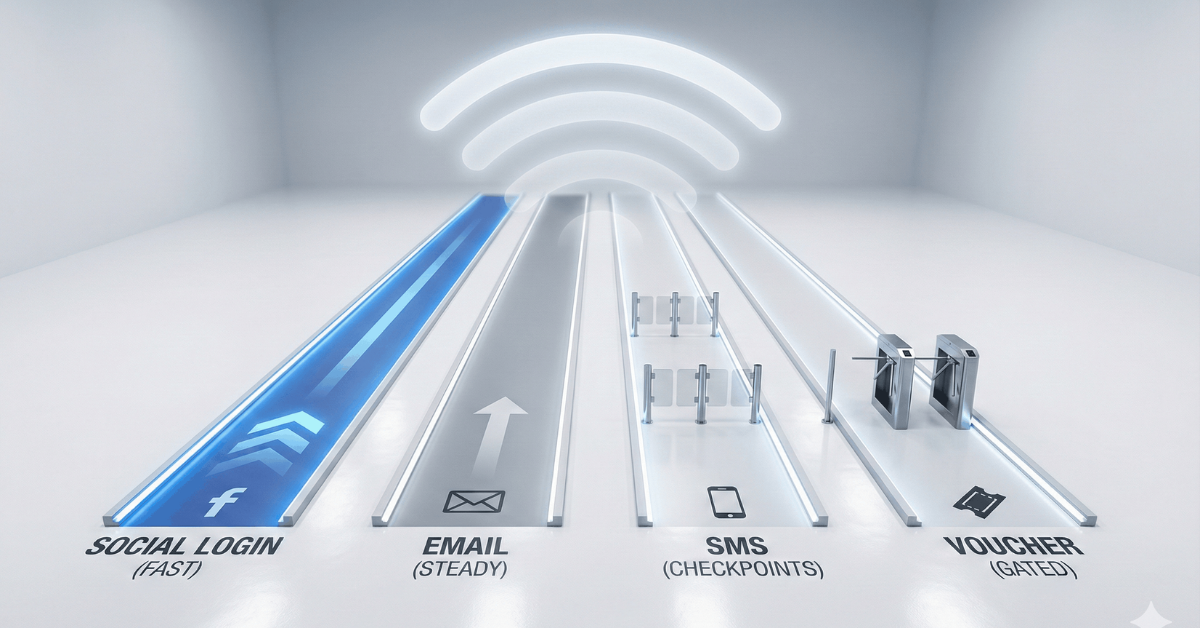
TL;DR: Email capture remains the most effective captive portal login method, delivering 60-80% completion rates and the highest data quality. Facebook social login reduces friction for leisure venues. SMS verification builds phone-based marketing lists. Voucher systems create revenue opportunities and controlled access. The winning strategy for most businesses: email as your primary method, with Facebook as an alternative for guests who prefer one-tap access. Business email domains convert 17.8x better than personal domains.
Every guest who connects to your WiFi represents an opportunity. The question is whether you're capturing that value or letting it slip away with a simple password handoff.
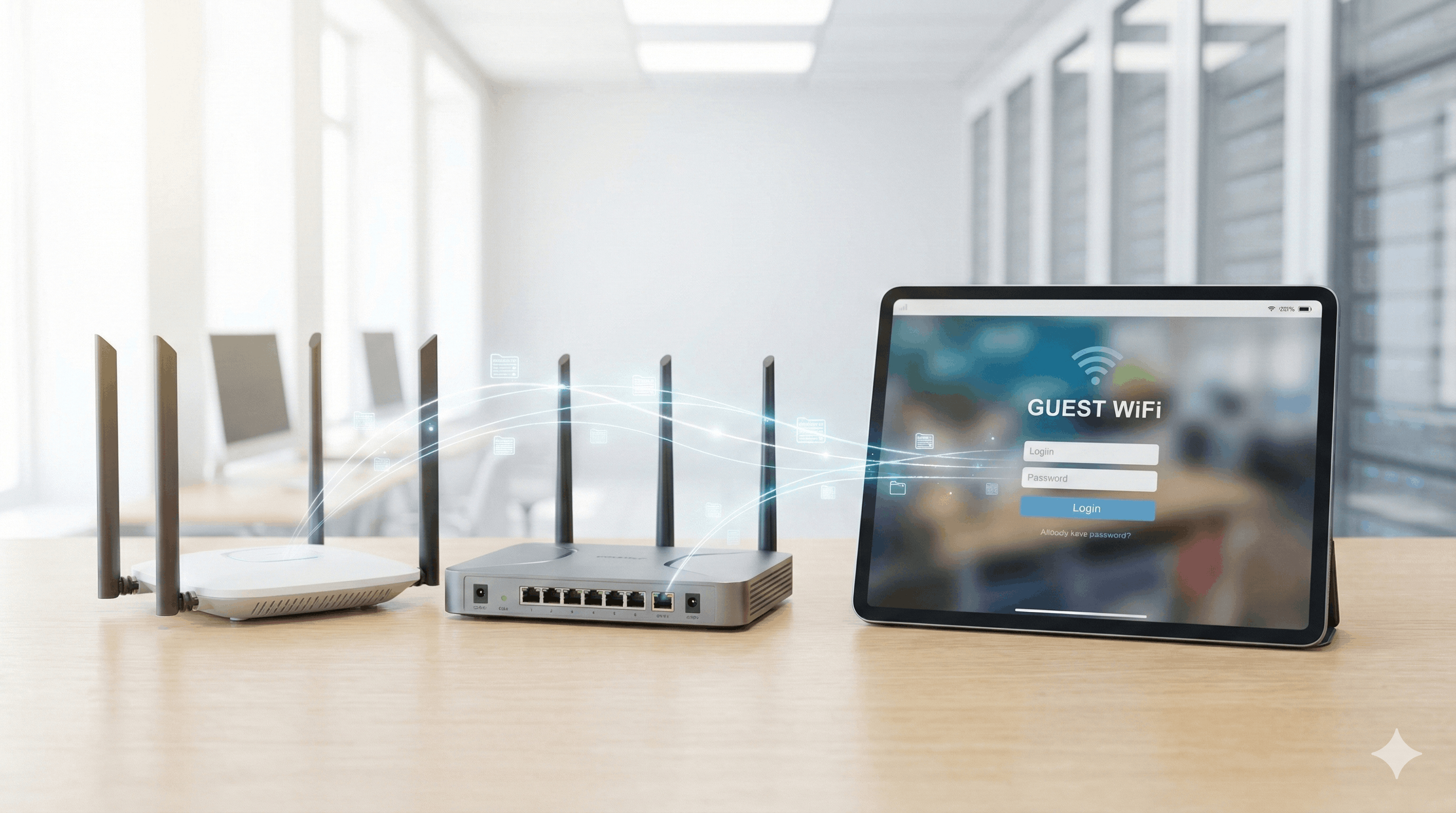
Captive portal authentication has evolved. The days of open networks or generic passwords are over. Modern captive portals capture verified contact information while providing the seamless experience guests expect.
But which login method actually works? The answer depends on your venue, your audience, and what you plan to do with the data.
What Is a Captive Portal?
A captive portal is the branded login page guests see when they connect to your WiFi network. Before gaining internet access, they're redirected to this page where they can authenticate through various methods: entering their email, logging in with Facebook, verifying via SMS, or entering a voucher code.
For businesses, the captive portal transforms WiFi from a cost center into a data collection and marketing tool. Every login becomes an opportunity to capture contact information, display promotions, and build customer relationships.
The Login Methods That Actually Convert
Here are the captive portal authentication methods that deliver results in real-world deployments.
Email Capture: The Foundation
Email collection remains the foundation of effective guest WiFi authentication. There's a reason it dominates: simplicity, reliability, and data you can actually use.
Guests enter their email address (and optionally name or phone) to get online. The data flows directly into your marketing platform. No API complexity, no third-party dependencies, no wondering if a social platform will change its policies next month.
Completion rates: 60-80% in hospitality settings, depending on form length. Email-only forms hit the higher end. Add name and you stay around 70%. Add three or more fields and completion drops below 60%.
Data quality matters more than quantity. Business email domains convert at dramatically higher rates than personal addresses. Data from Spotipo's customer base shows business domains achieve conversion rates 17.8 times higher than personal domains. A smaller list of business emails outperforms a massive list of throwaway addresses.
Works best for: Every venue type. Hotels, restaurants, retail, healthcare, corporate offices, events. Email capture is the universal baseline that works everywhere.
Facebook Login: One-Tap Access
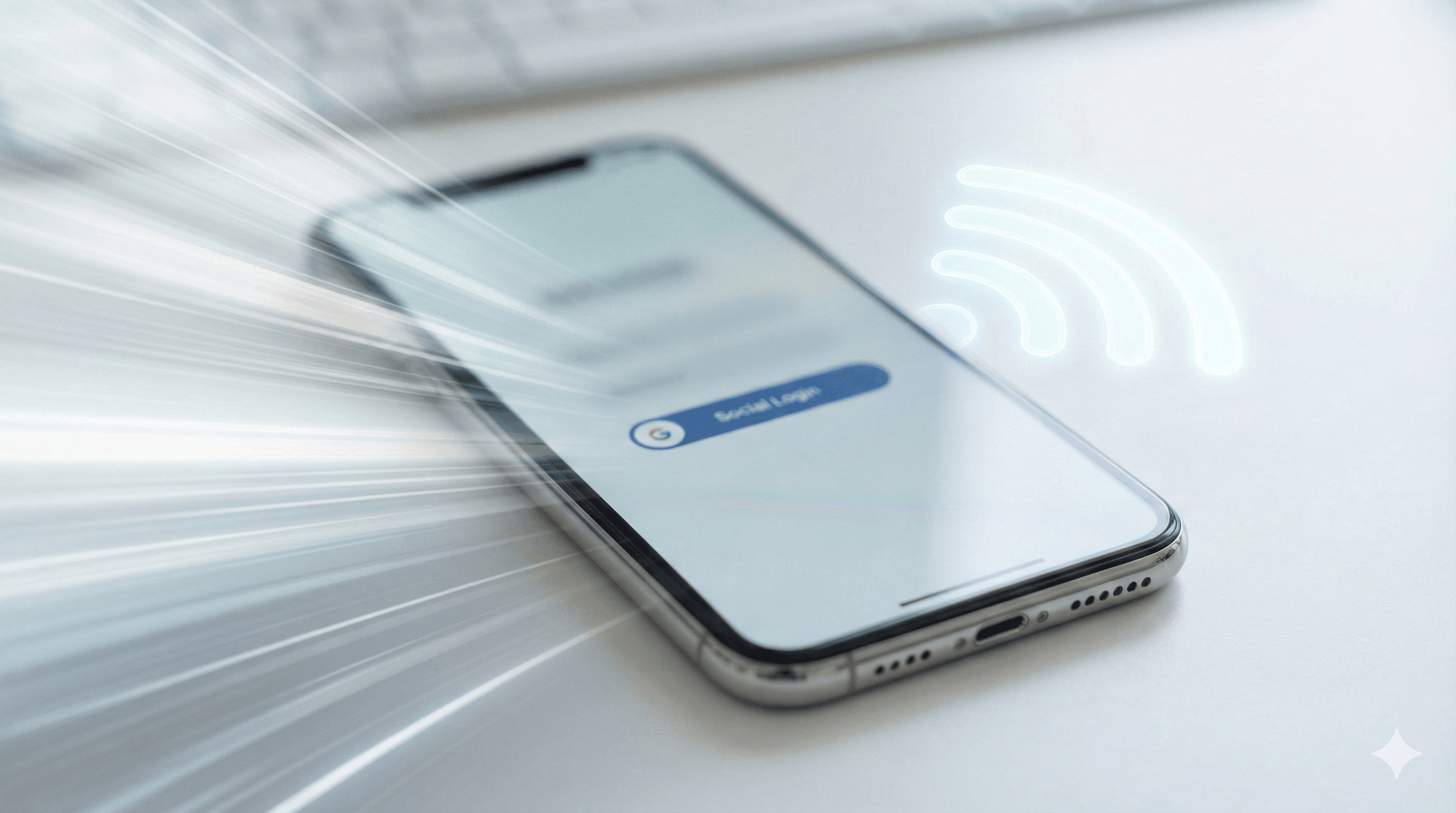
Facebook authentication lets guests log in with a single tap using their existing Facebook account. No typing required.
When guests authenticate via Facebook, you receive their name, email address, and profile picture. Some demographic data (age range, location) may be available depending on their privacy settings. This data proves valuable for businesses that segment marketing campaigns by audience.
The real advantage is reduced friction. Most people stay logged into Facebook on their phones. For venues with high guest turnover (coffee shops, quick-service restaurants, event spaces), faster authentication means fewer abandoned logins.
Works best for: Consumer-facing businesses. Restaurants, coffee shops, retail stores, entertainment venues, resorts, cruise ships. Social venues where guests expect to stay connected and share experiences.
Privacy note: Facebook authentication requires explicit user consent before sharing profile information. Modern captive portal solutions handle GDPR compliance automatically with clear opt-in mechanisms.
SMS Verification: Phone-First Marketing
SMS authentication captures phone numbers instead of (or alongside) email addresses. Guests enter their mobile number, receive a verification code, and gain access once verified.
The advantage: Verified phone numbers open direct communication channels. SMS marketing delivers higher engagement than email for time-sensitive offers. For appointment reminders, flash sales, or location-based promotions, phone numbers are valuable.
The trade-off: Some guests hesitate to share phone numbers. Expect slightly lower completion rates than email-only forms. But the guests who do complete verification tend to be more engaged.
Works best for: Restaurants, salons, healthcare facilities, any business that benefits from appointment reminders or time-sensitive offers. Also strong for venues targeting younger demographics who prefer text over email.
Voucher Systems: Controlled Access and Revenue
Voucher-based WiFi creates controlled access tied to purchases, promotions, or specific user groups. Guests enter a unique code to connect.
Use cases:
- Retail: Issue WiFi vouchers with every purchase, encouraging larger transactions
- Hospitality: Provide vouchers at check-in with duration matching the guest's stay
- Events: Different voucher tiers for general attendees, exhibitors, and VIPs
- Corporate: Time-limited vouchers for visitors with controlled bandwidth
Revenue opportunity: Vouchers enable paid WiFi tiers. Offer free limited access alongside premium paid packages. A coffee shop might offer 30 minutes free, then upsell to all-day access.
Works best for: Retail stores, hotels, event venues, corporate environments. Anywhere you want to tie WiFi access to purchases or control usage by user group.
Clickthrough: When Data Isn't the Goal
Sometimes you just need guests online without collecting data. Clickthrough authentication shows your terms of service and lets guests connect with a single tap.
Use cases: Public spaces where data collection isn't appropriate, venues focused purely on guest experience over marketing, situations where legal compliance requires minimal data collection.
Works best for: Public libraries, some healthcare waiting rooms, venues prioritizing frictionless access over lead generation.
Why Email + Facebook Is the Winning Combination
For most businesses, the optimal captive portal setup combines email capture as the primary method with Facebook login as an alternative.
Here's why this works:
Email capture is your baseline. It works for everyone, requires no third-party dependencies, and delivers the most actionable data. Guests who prefer typing their email can do so.
Facebook login catches the rest. Guests who prefer not to type get a one-tap alternative. You still capture their email through Facebook's authentication, plus demographic data for segmentation.
The result: When you offer both options, you maximize completion rates while capturing quality data from both groups. You're not forcing guests into a single authentication path.
Multi-location bonus: For operators with multiple venues, captured data can include location identifiers that sync to marketing platforms like Klaviyo. A hotel group with 10 properties can segment guests by which location they visited and tailor follow-up messaging accordingly.

Form Design That Converts
The fields you request directly impact completion rates. Every additional field costs you conversions.
Email only: 70-80% completion. The standard for maximum capture.
Email + name: 65-70% completion. Adds personalization for email campaigns.
Email + name + phone: 55-65% completion. Enables SMS marketing but costs conversions.
Email + name + DOB + custom fields: Below 50%. Only add fields if you'll actually use the data.
The rule: Collect email first. Use progressive profiling in follow-up emails to gather additional information from engaged contacts. Don't front-load your form with questions that kill conversions.
Post-Login: Don't Waste the Moment
Authentication is just the beginning. What happens after login matters.
Custom redirects: Send guests to your menu, booking page, current promotion, or loyalty signup instead of a generic page. This creates an immediate engagement opportunity with guests who are physically present at your location. Spotipo lets you configure any URL as your post-authentication destination.
Welcome campaigns: Trigger automated emails within hours of first visit. Thank guests, share your story, offer a return incentive. The data you captured becomes actionable immediately.
Segmentation: Tag contacts by location, authentication method, visit time, or custom fields. A coffee shop can identify morning regulars versus afternoon visitors and target them with relevant offers.
Implementation: What You Actually Need
Setting up captive portal authentication requires three components:
- A router that supports external captive portals. Most enterprise and prosumer routers work: UniFi, MikroTik, Cisco Meraki, Aruba, and dozens of others.
- A captive portal platform. This handles splash page design, authentication logic, data capture, and marketing integrations.
- Marketing platform integration. Your captured emails need to flow somewhere useful: Mailchimp, Klaviyo, HubSpot, or your CRM.
Spotipo connects all three. The platform works with 30+ router brands, provides a drag-and-drop splash page editor, and syncs captured data automatically to your marketing tools. Facebook login, email capture, SMS verification, and voucher systems all configure from one dashboard.
GDPR compliance is built in. Explicit consent checkboxes, transparent privacy notices, data export tools for subject access requests. The legal complexity is handled.
Frequently Asked Questions
What's the highest-converting captive portal login method?
Email-only capture with a clean, mobile-optimized form. Add Facebook login as an alternative to catch guests who prefer one-tap access.
How do I capture more business email addresses?
Business travelers and professionals tend to use work emails during business hours. Conference centers, business hotels, and coworking spaces naturally capture more business domains. You can also prompt for "work email" in your form label.
Should I require phone numbers?
Only if you'll use them for SMS marketing. Adding phone as required drops completion by 10-15%. Consider making it optional or capturing it through follow-up campaigns instead.
What about guests who refuse to share any data?
Offer a clickthrough option as a fallback, or accept that some guests won't convert. A 70% capture rate still builds a substantial database over time.
How many login options should I show?
Two or three maximum. Email as primary, Facebook as secondary, and optionally SMS or voucher depending on your use case. Too many options create decision paralysis.
Which routers support captive portal authentication?
Spotipo works with UniFi, MikroTik, Cisco Meraki, Aruba, TP-Link, Draytek, Zyxel, and 30+ other brands. No vendor lock-in.
How do I stay GDPR compliant?
Modern captive portals handle this automatically with explicit consent mechanisms. Users authorize data sharing during authentication. Ensure your privacy notice clearly explains what you're collecting and why.
Can I change where guests go after logging in?
Yes. Spotipo lets you set any URL as your post-login redirect. Send guests to your homepage, a promotion, your menu, or any other destination. You can update this anytime for seasonal campaigns.
Turn Your WiFi Into a Marketing Channel
Your guest WiFi already serves customers every day. The infrastructure exists. The only question is whether you're capturing value from it.
Email capture plus Facebook login covers most use cases. The combination maximizes completion rates while delivering quality data you can actually use. Add SMS or vouchers if your business model benefits from them.
The data you capture flows into your marketing platform automatically. Welcome sequences go out within hours. Segmented campaigns target specific visitor profiles. Your captive portal becomes the foundation for ongoing customer relationships.
Ready to start capturing guest data? Start your free trial with Spotipo and see how quickly WiFi authentication turns anonymous visitors into marketing contacts.


