


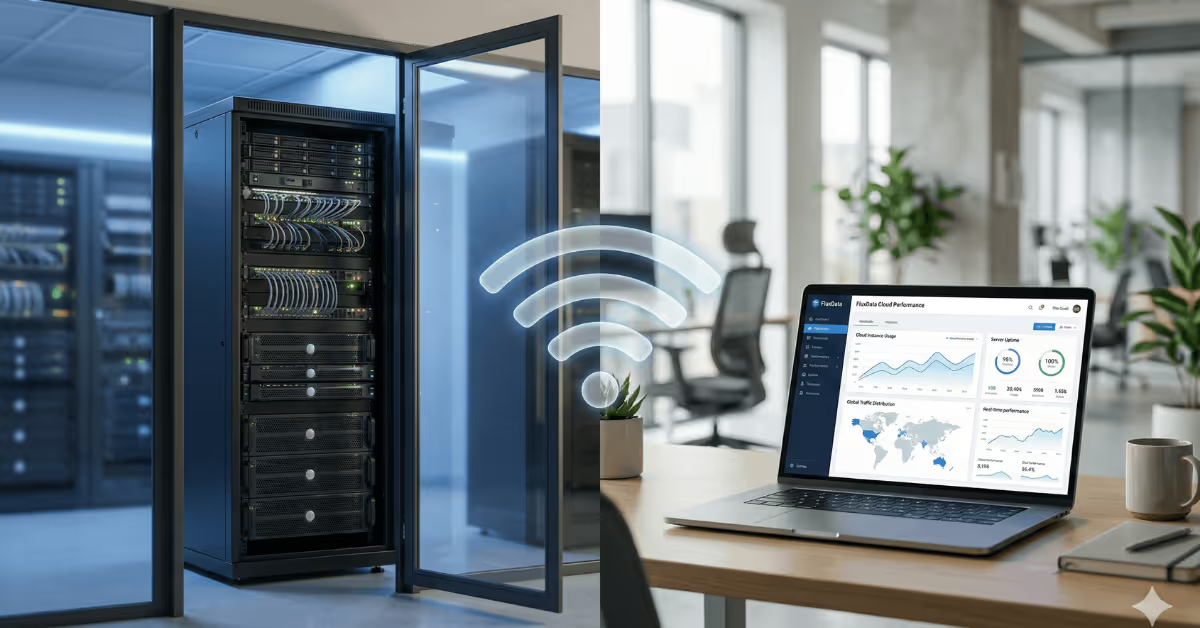
A cloud captive portal is a SaaS-hosted guest WiFi login page that handles authentication, data capture, and marketing from the cloud, replacing the need for on-premise servers or basic router splash pages. For venues, MSPs, and IT teams evaluating captive portal options in 2026, the cloud model delivers faster feature updates, easier multi-location management, and lower total cost of ownership than self-hosted alternatives.
This guide breaks down the three main captive portal models, explains where cloud SaaS has a clear advantage, and covers the shrinking number of cases where on-premise still makes sense.
What is a captive portal?
A captive portal is the login page guests see when they connect to a WiFi network. It sits between the access point and the open internet, controlling who gets online and what information they provide first.
At its simplest, a captive portal is a gate. At its most useful, it's a data collection tool, a marketing channel, and a compliance mechanism rolled into one.
There are three main ways to deploy one, and the differences matter more than most IT teams realize.
The three captive portal models explained

Built-in router splash pages
Every major router brand ships with some form of built-in splash page. UniFi, Meraki, Aruba, MikroTik, Ruckus, TP-Link Omada. They all offer a basic guest login screen that lives on the router firmware itself.
These built-in pages typically support click-through access or a simple password. Some allow light customization of logos and colors. But that's roughly where the feature set ends. There's no meaningful data capture, no CRM integration, no analytics dashboard, and no way to use guest WiFi as a marketing channel.
Built-in splash pages are fine if guest WiFi is a checkbox item on your IT to-do list. They're not fine if you want to do anything useful with the people connecting.
Self-hosted / on-premise captive portals
Self-hosted portals run on a local server at the venue. The router redirects guest devices to this server, which handles the login flow and sends an API call back to authorize the device.
This model gives you more control. You can build custom authentication flows, integrate with internal systems, and keep all data on your own hardware. The tradeoff is that you're also responsible for everything: server uptime, SSL certificates, security patches, backups, and any custom development needed to add new features.
For organizations with dedicated IT teams and very specific requirements, self-hosted portals can work. But the maintenance burden is real, and it scales linearly with the number of locations. Every new venue means another server to manage.
Cloud / SaaS captive portals
Cloud captive portals work the same way architecturally. The router redirects guests to a login page, and an API call authorizes the device. The difference is that the login page and all the logic behind it live on the vendor's cloud infrastructure, not on a local server.
Configuration happens in a centralized web dashboard. Updates, security patches, and new features ship automatically. Multi-location management is built in from the start, not bolted on after the fact.
This is the model that has come to dominate guest WiFi deployments in 2026, and the reasons are mostly practical.
Cloud vs on-premise vs built-in: quick comparison
Built-in splash pageSelf-hosted / on-premiseCloud SaaS portalWhere it runsRouter firmwareLocal server at venueVendor's cloud infrastructureLogin optionsClick-through or passwordCustom (if you build them)Email, social, SMS/OTP, voucher, paid accessData captureMinimal or noneWhatever you developBuilt-in with CRM and email integrationsMulti-locationPer-device configurationPer-server configurationCentralized dashboardMaintenanceRouter vendor firmware updatesYour IT team, 24/7Vendor handles everythingBest for"We need a WiFi password"Highly regulated or custom environmentsVenues wanting data, marketing, and scale
Why SaaS wins in 2026: the practical advantages
1. Feature velocity you can't match in-house

Cloud captive portal platforms ship new authentication methods, integrations, and analytics features continuously. As a customer, you get them automatically.
A typical SaaS captive portal in 2026 supports email capture, social login (Facebook, Google, Apple), SMS/OTP verification, voucher codes, paid access via Stripe, and click-through. It integrates out of the box with email marketing tools like Mailchimp, Klaviyo, HubSpot, Brevo, and Campaign Monitor. It connects to CRMs and automation platforms via Zapier or direct API.
Building and maintaining even half of these integrations on a self-hosted portal would consume a full-time developer. On a SaaS platform, they're included in your subscription.
Real-time dashboards showing registration rates, peak usage times, popular login methods, and guest contact data are standard. On a self-hosted setup, you'd need to build your own analytics layer or pipe data into a separate tool.
2. Multi-location management that actually scales
If you manage guest WiFi at one location, any model works. The moment you add a second site, the cloud model pulls ahead. By the time you're managing ten or fifty sites, there's no realistic alternative.
Cloud captive portals centralize configuration and branding in one dashboard. You set your defaults once, then customize per location as needed. Brand-consistent but location-specific experiences are table stakes, not a feature request.
For MSPs and WiFi integrators managing multiple client networks, this is the difference between a manageable workload and a staffing problem. One dashboard, many clients, each with their own branding, login flows, and data.
Self-hosted portals require a server at every location, and each one needs independent monitoring, patching, and troubleshooting. That doesn't scale with headcount. It scales with budget.
3. Reliability without the single point of failure
A self-hosted captive portal depends on a single local server. If that server goes down, guest login stops. If the hard drive fails, you're restoring from backup (assuming backups exist and are current). If the venue loses power, your portal goes dark.
Cloud platforms distribute traffic across redundant servers in multiple data centers. If one node fails, traffic routes to another automatically. Your guests don't notice, and neither do you.
This matters most for businesses where guest WiFi uptime is non-negotiable. Hotels, airports, coworking spaces, retail chains. Downtime doesn't just inconvenience guests. It creates support tickets, damages brand perception, and in paid WiFi scenarios, directly costs revenue.
4. Security and compliance handled upstream
SaaS captive portal vendors handle security patches, SSL certificate management, DDoS mitigation, and log retention as part of the service. You don't need to assign someone to monitor CVEs or rotate certificates.
Compliance is the bigger story in 2026. GDPR, local data protection laws, and evolving consent requirements mean that guest WiFi login pages need clear opt-in mechanisms, transparent privacy notices, and auditable consent records. Building and maintaining compliant consent flows in-house is possible but expensive and error-prone.
Mature cloud platforms provide compliance-ready consent screens out of the box and update them as regulations change. For businesses operating across multiple jurisdictions, this alone can justify the subscription cost.
Important clarification: a captive portal provides the authentication and consent layer. It's not a network security product. Network segmentation, firewalls, and traffic security are handled by your router or controller infrastructure. A good SaaS portal complements your network security by ensuring only authenticated users gain access, but it doesn't replace your firewall.
5. Lower total cost of ownership
The math on self-hosted portals is deceptive. The software might be "free" or a one-time license, but the real costs accumulate fast.
A self-hosted deployment requires a dedicated server (physical or virtual), ongoing system administration, developer time for feature requests and bug fixes, security monitoring, and backup infrastructure. For a single venue, this can easily reach several hundred dollars per month in loaded costs. Multiply that by the number of locations.
Cloud subscriptions wrap hosting, updates, support, and new features into a predictable monthly or annual fee. One subscription can manage multiple sites. For MSPs managing client networks, the per-site cost drops substantially as the portfolio grows.
The shift from capex to opex is also relevant. No hardware to purchase and depreciate, no capacity to over-provision. You pay for what you use, and the vendor handles the infrastructure investments.
6. Aligned with how IT works in 2026
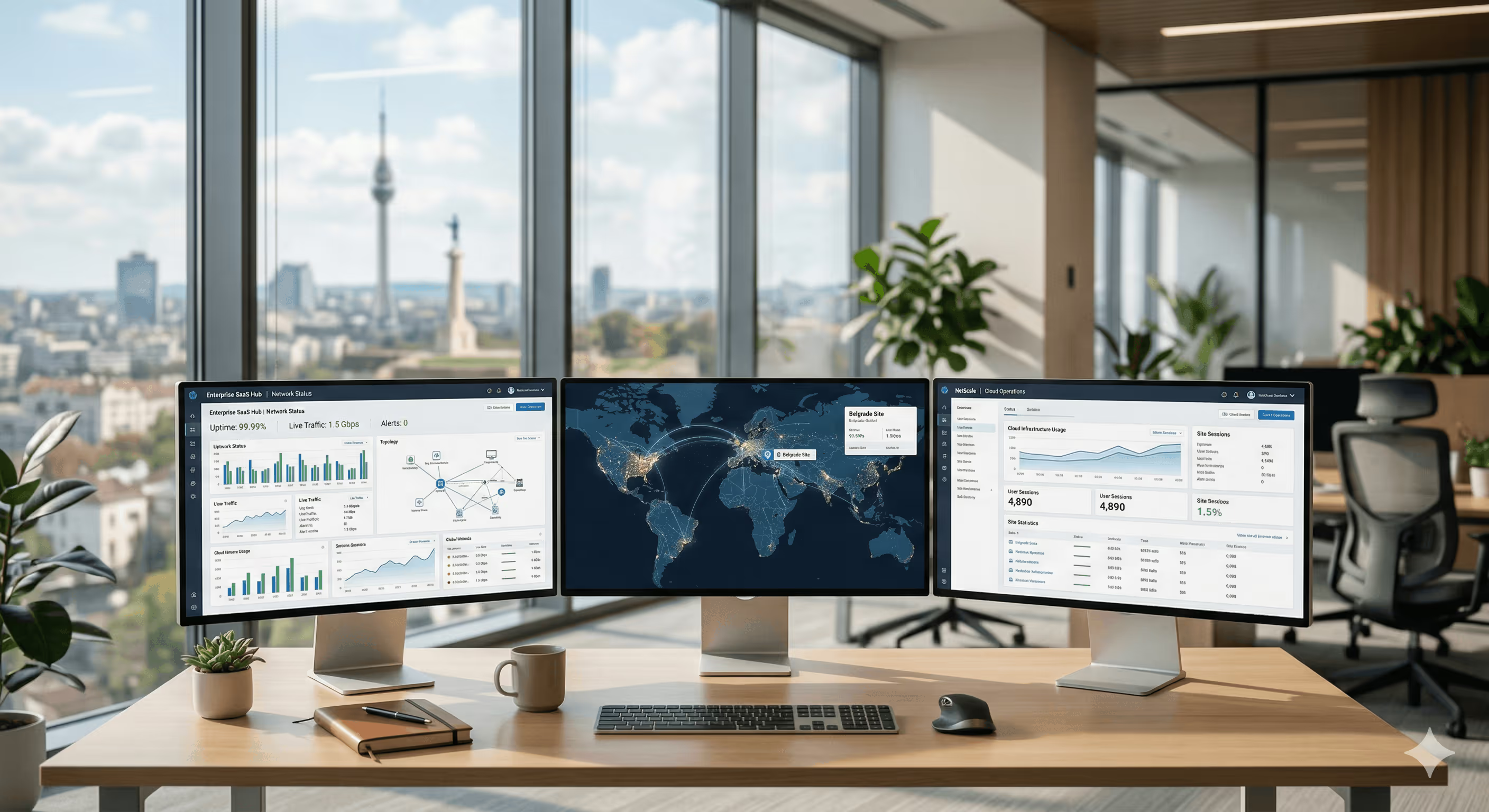
Enterprise IT increasingly treats cloud as an operating model, not a location. Remote management, API-first architectures, and centralized tooling are standard expectations.
A cloud captive portal fits naturally into this operational model. It's managed via browser from anywhere, integrates with other cloud tools via APIs, and doesn't require on-site visits to update or troubleshoot.
Self-hosted portals sit outside this model. They require physical or VPN access for management, manual update cycles, and site-specific troubleshooting. In an era where IT teams are expected to manage more with less, the operational overhead of on-premise deployments is increasingly hard to justify.
Where on-premise still makes sense
The cloud model isn't universally correct. A few specific scenarios still favor self-hosted deployments.
Strict data sovereignty requirements
Some government, defense, and heavily regulated environments require that all authentication data remain on-premise with zero external dependencies. If regulatory requirements prohibit any guest data from touching third-party infrastructure, a self-hosted portal is the only compliant option.
This applies to a small number of organizations. Most data protection regulations (including GDPR) don't prohibit cloud processing outright. They require appropriate safeguards, data processing agreements, and transparency. Cloud vendors that host in compliant regions and provide DPAs typically meet these requirements.
Deeply customized legacy integrations
If your venue depends on bespoke internal systems with proprietary protocols that no SaaS platform supports via API, a self-hosted portal may integrate more tightly. This assumes you have the in-house development resources to build and maintain those integrations indefinitely.
Large existing on-premise investments
Enterprises that have already invested heavily in on-premise infrastructure and have dedicated teams to manage it may choose to optimize around those sunk costs. Even here, the trend is toward hybrid approaches that use cloud management layers on top of existing hardware.
For the vast majority of guest WiFi deployments in retail, hospitality, coworking, education, and multi-site commercial environments, these exceptions don't apply.
How to move from on-premise to cloud
If you're currently running a self-hosted captive portal and considering a migration, here's a practical path.
Step 1: Audit your current setup
Document what your existing portal actually does. List every authentication method, every data field you collect, every integration, and every custom feature. Be honest about which features are actually used versus which were built "just in case."
Step 2: Define what you actually need
Separate must-haves from nice-to-haves. Focus on authentication methods your guests use, data you actively feed into marketing or CRM workflows, compliance requirements for your operating regions, and uptime expectations.
Step 3: Evaluate cloud vendors against your requirements
Look for platforms that support your existing router hardware (ideally infrastructure-agnostic, working with 30+ router brands rather than locking you into one vendor). Prioritize vendors with the authentication methods, marketing integrations, and compliance tooling you identified in Step 2.
Step 4: Pilot on a single site
Pick one location and run the cloud portal alongside or instead of your existing setup. Measure data capture rates, guest experience feedback, and support ticket volume. Quantify the difference before committing to a full rollout.
Step 5: Roll out with centralized configuration
Use the cloud platform's templating and per-site customization features to deploy consistently across all locations. Set brand-level defaults, then adjust individual sites as needed for local requirements, languages, or promotions.

Frequently asked questions
What is a cloud captive portal?
A cloud captive portal is a guest WiFi login page hosted on a SaaS vendor's cloud infrastructure rather than on a local server or router. It handles authentication, data collection, and marketing features through a centralized web dashboard, with the vendor managing all hosting, security, and updates.
Is a cloud captive portal more secure than on-premise?
A cloud portal isn't inherently "more" or "less" secure. It shifts the security responsibility to the vendor, who typically has dedicated security teams, automated patching, and redundant infrastructure. For most organizations, this results in better security outcomes than maintaining their own servers. Note that captive portals handle the authentication layer, not network-level security, which remains the responsibility of your router and firewall infrastructure.
Can I use a cloud captive portal with my existing routers?
Yes. Infrastructure-agnostic cloud platforms work with multiple router brands without requiring hardware changes. Platforms like Spotipo support 30+ brands including UniFi, MikroTik, Cisco Meraki, Aruba, Ruckus, TP-Link Omada, and others. The setup process typically involves configuring your router's external portal redirect to point at the cloud service.
How does a cloud captive portal handle GDPR and data privacy?
Cloud platforms provide built-in consent screens, privacy notices, and opt-in mechanisms that comply with GDPR and other data protection frameworks. Guest data is stored securely with appropriate encryption, and platforms update their consent flows as regulations evolve. Look for vendors that offer EU-hosted data storage and provide data processing agreements.
What's the difference between a captive portal and a splash page?
A splash page is the visual login screen guests see. A captive portal is the complete system that intercepts network traffic, presents the splash page, handles authentication, and authorizes the device on the network. The terms are often used interchangeably, but technically the splash page is just the front end of the captive portal system.
Can MSPs manage multiple client networks from one cloud portal?
Yes. Multi-tenancy is a core feature of cloud captive portal platforms. MSPs and WiFi integrators can manage multiple clients from a single dashboard, each with their own branding, login flows, analytics, and user data. Many platforms also support white-label options so the portal appears as the MSP's own product.
How much does a cloud captive portal cost compared to self-hosted?
Cloud subscriptions typically range from $10 to $100+ per month per site depending on the platform and feature tier. Self-hosted portals may start with free or low-cost software but accumulate significant costs in server hardware, administration, development, and security maintenance. For multi-site deployments, the per-site cloud cost often drops below the fully loaded cost of self-hosted alternatives.
Will my guest WiFi stop working if the cloud provider has downtime?
Reputable cloud providers use redundant infrastructure across multiple data centers to minimize downtime. Most offer 99.9%+ uptime SLAs. In comparison, a self-hosted portal depends on a single server at your venue, making it more vulnerable to local failures like power outages, hardware problems, or network issues.
Your WiFi network is already serving guests. Make it work harder.
Guest WiFi stopped being a simple utility years ago. In 2026, it's a data collection tool, a marketing channel, and a revenue opportunity. The question isn't whether to use a captive portal. It's whether to manage the infrastructure yourself or let a cloud platform handle it while you focus on what the data enables.
For most venues, MSPs, and IT teams, the answer is clear.
Start a free 14-day trial and see what your guest WiFi can do with a cloud captive portal.


