



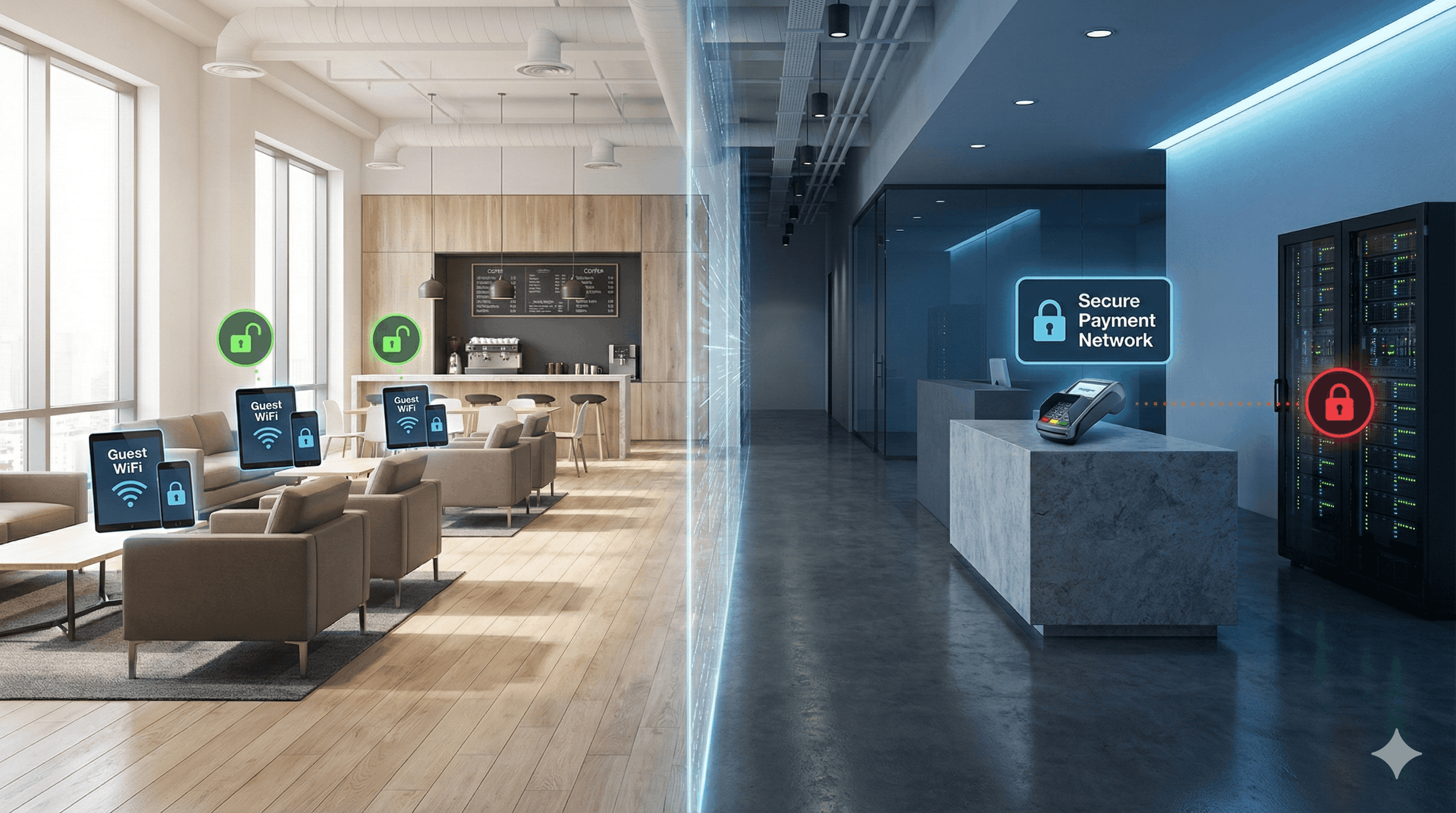
Open guest WiFi is an open door. Anyone within range can connect including attackers looking to intercept data, distribute malware, or use your network for illegal activity. A captive portal closes that door by requiring authentication before granting access, creating a controlled environment where you know who's on your network and can enforce security policies.
For businesses, this isn't just about protecting guests. It's about protecting yourself. IBM reports the average data breach cost hit $4.88 million in 2024. European regulators issued €1.2 billion in GDPR fines that same year. When security fails, the business pays in money, reputation, and lost customers.
Why Open Guest WiFi is a Security Risk for Businesses
When there's no authentication barrier, your network is vulnerable to anyone who wants to exploit it. A Forbes Advisor survey found that 40% of people have had their information compromised while using public WiFi. Here's why:
Lack of Authentication Barriers
Without authentication, anyone can join legitimate guests, but also attackers. They can sit in your parking lot and access your network without ever entering your premises.
Poor Network Visibility
You have no idea who's connected or what they're doing. If someone uses your network to send threats, distribute illegal content, or launch attacks on other systems, you won't know until law enforcement comes asking questions.
Lack of User Accountability
Without records of who connected and when, there's no way to trace problems back to their source. If something goes wrong, you can't prove it wasn't you or identify who it actually was.
Zero Bandwidth and Usage Control
Open networks let anyone consume as much bandwidth as they want. One person streaming video can slow down your entire operation including payment systems and staff devices that your business depends on.
Common Cyber Attacks Targeting Unprotected Guest WiFi
The threats aren't theoretical. These are the attacks happening on unprotected networks every day:
Man-in-the-Middle (MitM) Attacks
An attacker positions themselves between your guests and the internet, intercepting everything that passes through login credentials, credit card numbers, private messages. Your guests think they're browsing securely. They're not.
Evil Twin Hotspots
Someone sets up a fake network with a name similar to yours "CafeWiFi_Free" next to your legitimate "CafeWiFi." Guests connect to the wrong one and hand over their data to an attacker. Your business gets blamed for the breach.
Packet Sniffing and Data Theft
On unencrypted networks, attackers can capture and analyze all traffic using freely available software. Emails, documents, photos, credentials anything transmitted in plain text is exposed.
Malware and Virus Distribution
Attackers can inject malicious software into your network, which then spreads to connected devices. Your guests' phones and laptops become infected while using your WiFi and they'll remember where it happened.
Network Hijacking and IP Attribution
Without access controls, attackers can use your network as a launchpad for attacks on other targets. If those attacks are traced back, they lead to your IP address and you're the one explaining yourself to investigators.
The Risks of Operating Guest WiFi Without Protection
Here's a scenario that plays out more often than most business owners realize:
A guest connects to your open WiFi and uses it to send threatening emails, access illegal content, or commit fraud. Weeks later, law enforcement shows up with questions. The illegal activity was traced to your IP address.
Without a captive portal, you have nothing. No login records. No terms of service acceptance. No way to show who was actually connected at that time. As far as investigators know, it could have been you or your staff.
With a captive portal, you're a witness, not a suspect. You can show exactly who authenticated during that window. You have documented proof that users accepted terms prohibiting illegal activity. You can cooperate fully while demonstrating your business wasn't involved.
The difference between these two scenarios is a login page that takes guests five seconds to complete.
How Captive Portals Improve WiFi Network Security
A captive portal is the login page that appears when someone tries to connect to your WiFi. Before they get internet access, they must authenticate by providing an email, phone number, or social login. This simple step transforms your network security:
Authentication as a Security Barrier
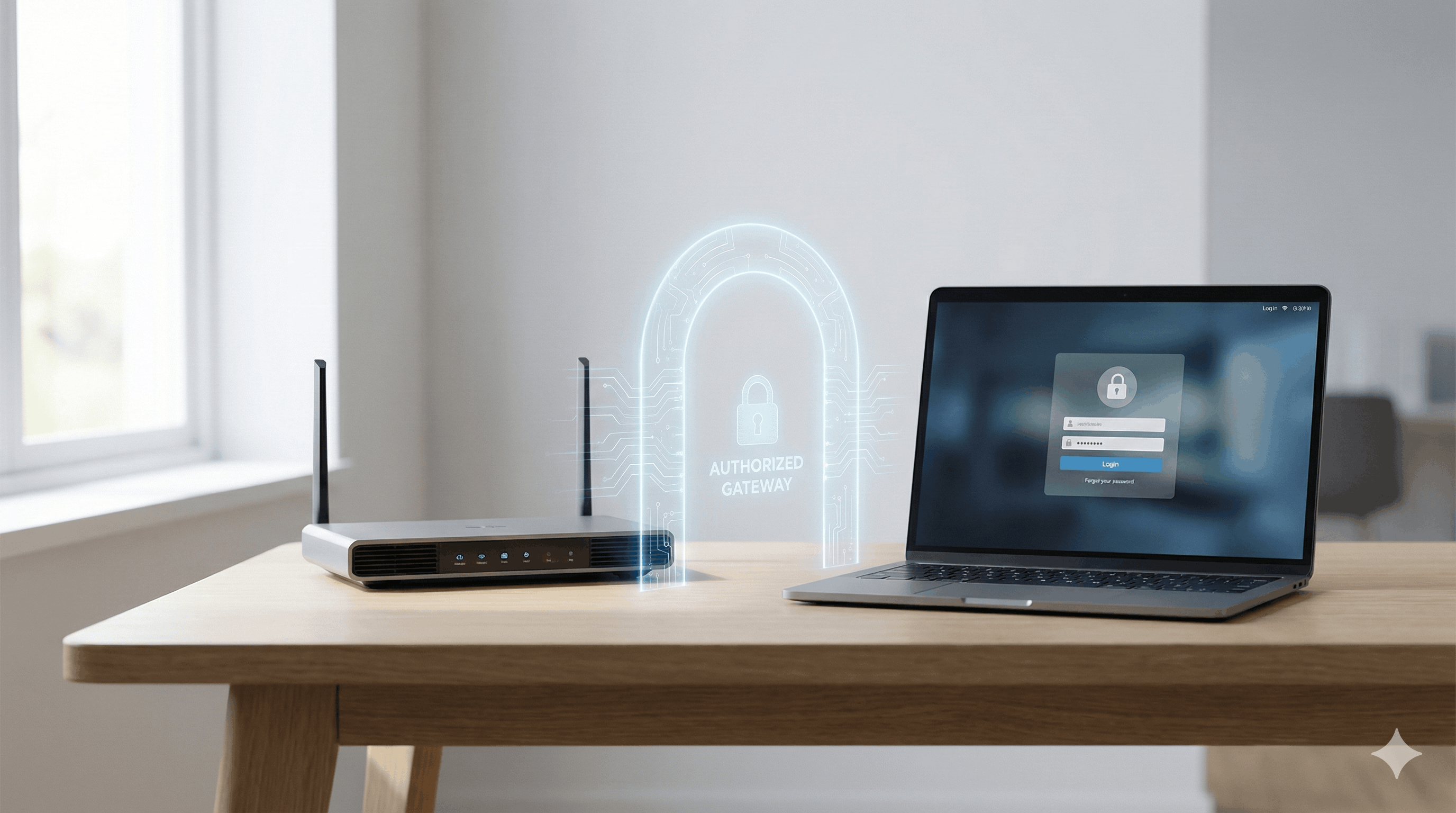
Requiring login credentials, even just an email address, deters casual attackers. They're looking for easy targets. A network that requires identification isn't one. More rigorous options like SMS verification with one-time passwords add stronger identity confirmation when security requirements demand it.
Real-Time Visibility of Connected Users
Every authenticated user creates a record. You can see who's on your network in real time and review historical logs when needed. If suspicious activity occurs, you have data to investigate or to hand over to authorities if required.
Accountability to Deter Network Misuse
People behave differently when they're identified. Requiring authentication before access plus explicit acceptance of terms of service makes users think twice before misusing your network. They know there's a trail connecting their activity to their identity.
Protecting Operations with Bandwidth Limits
Captive portals enable bandwidth limits per user, session time caps, and traffic prioritization. Your point-of-sale system, staff devices, and critical operations get the bandwidth they need. Guest streaming gets throttled before it affects your business.
Isolating Guest Traffic via Network Segmentation
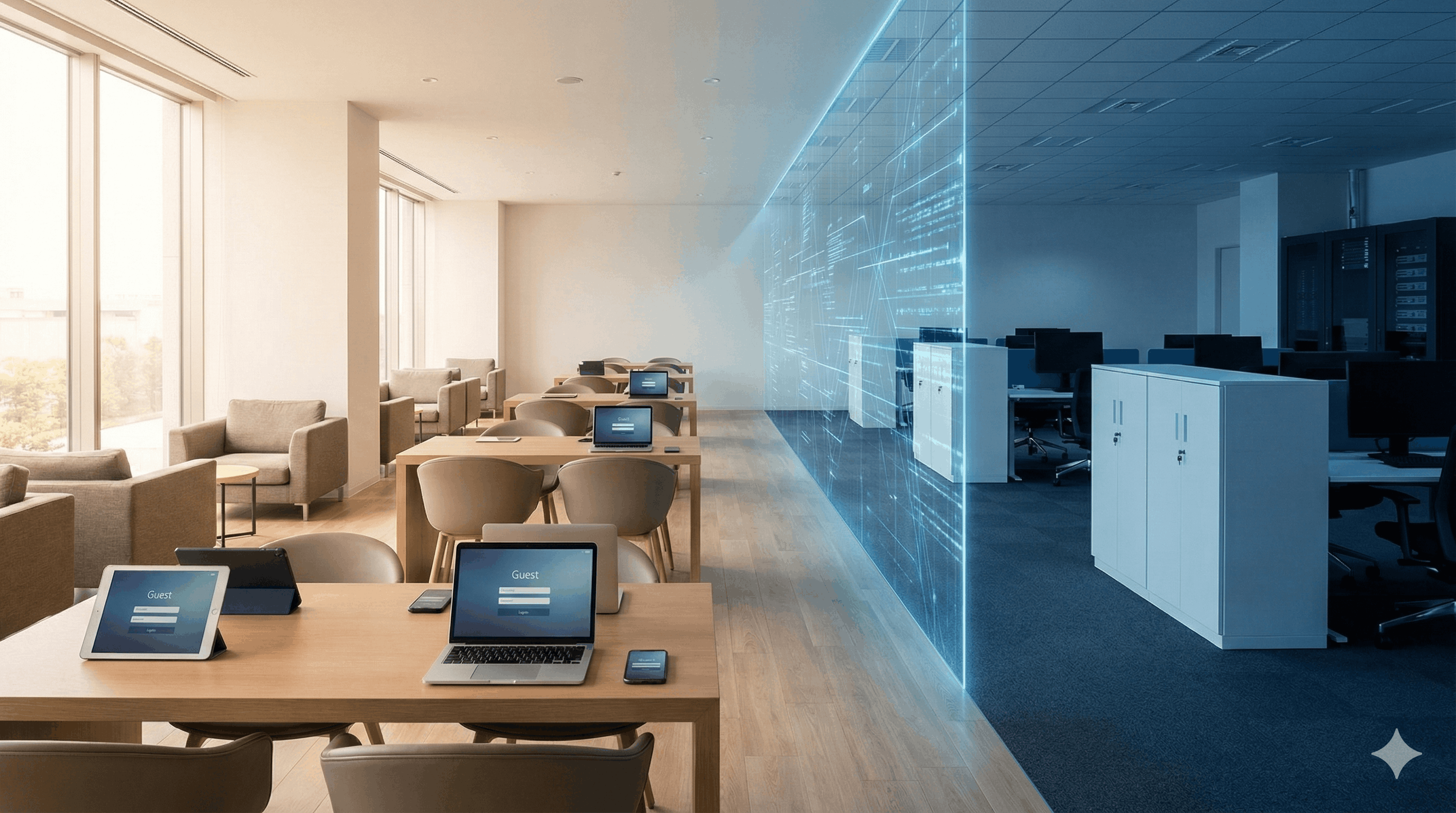
A properly configured captive portal works with your network architecture to keep guest traffic completely separate from internal systems. Guests can access the internet, but they can't reach your servers, databases, or payment infrastructure. Even if a guest device is compromised, your business systems remain protected.
GDPR Compliance and Guest WiFi Security Requirements
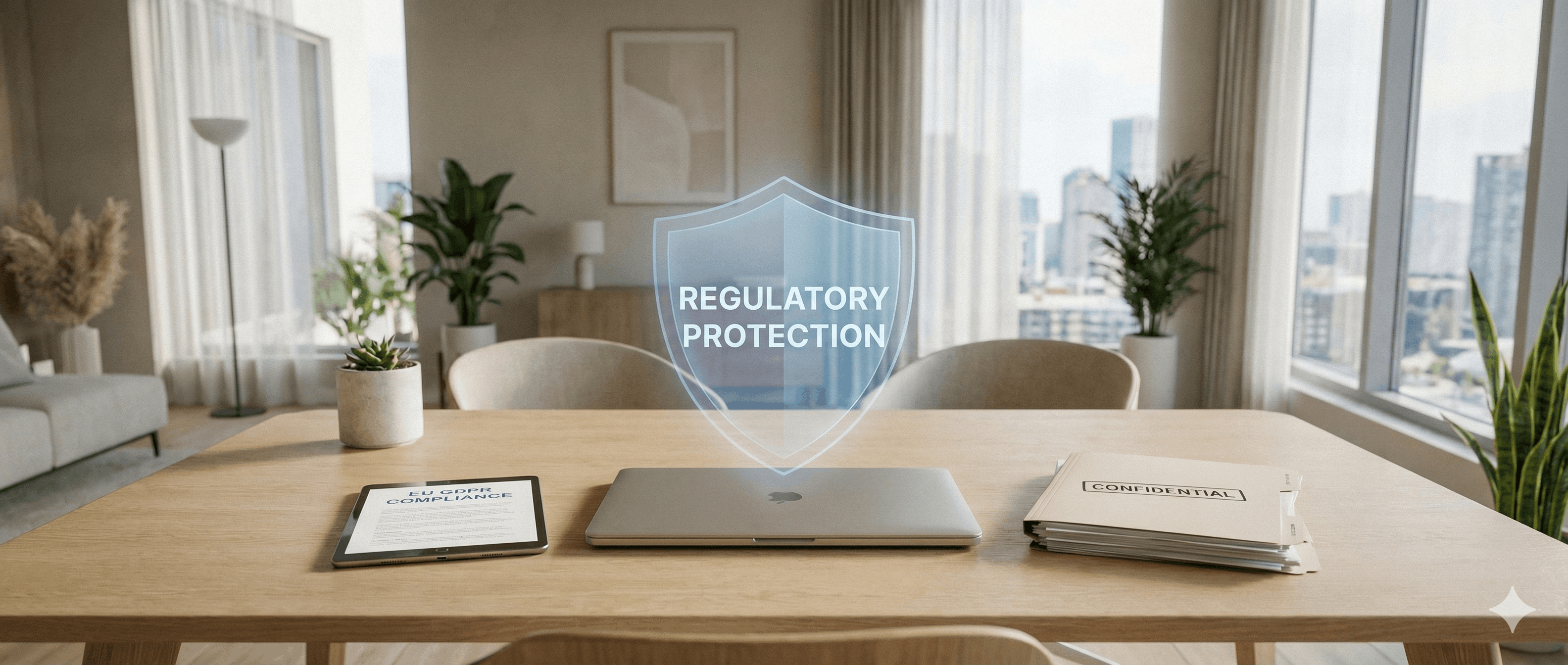
Security and compliance go together. The same controls that protect your network also satisfy regulatory requirements particularly GDPR, which demands explicit consent before collecting personal data.
A captive portal handles this automatically. Users see your privacy policy before connecting. They actively opt-in via checkboxes rather than having consent assumed. They can decline marketing while still accessing WiFi. Every consent is documented and timestamped.
With GDPR fines reaching up to €20 million or 4% of global revenue, this isn't optional for businesses serving EU visitors. Solutions like Spotipo store data in the EU and update compliance features automatically when regulations change.
For a deeper look at how GDPR has affected organizations globally, see this analysis of GDPR's impact after six years of implementation.
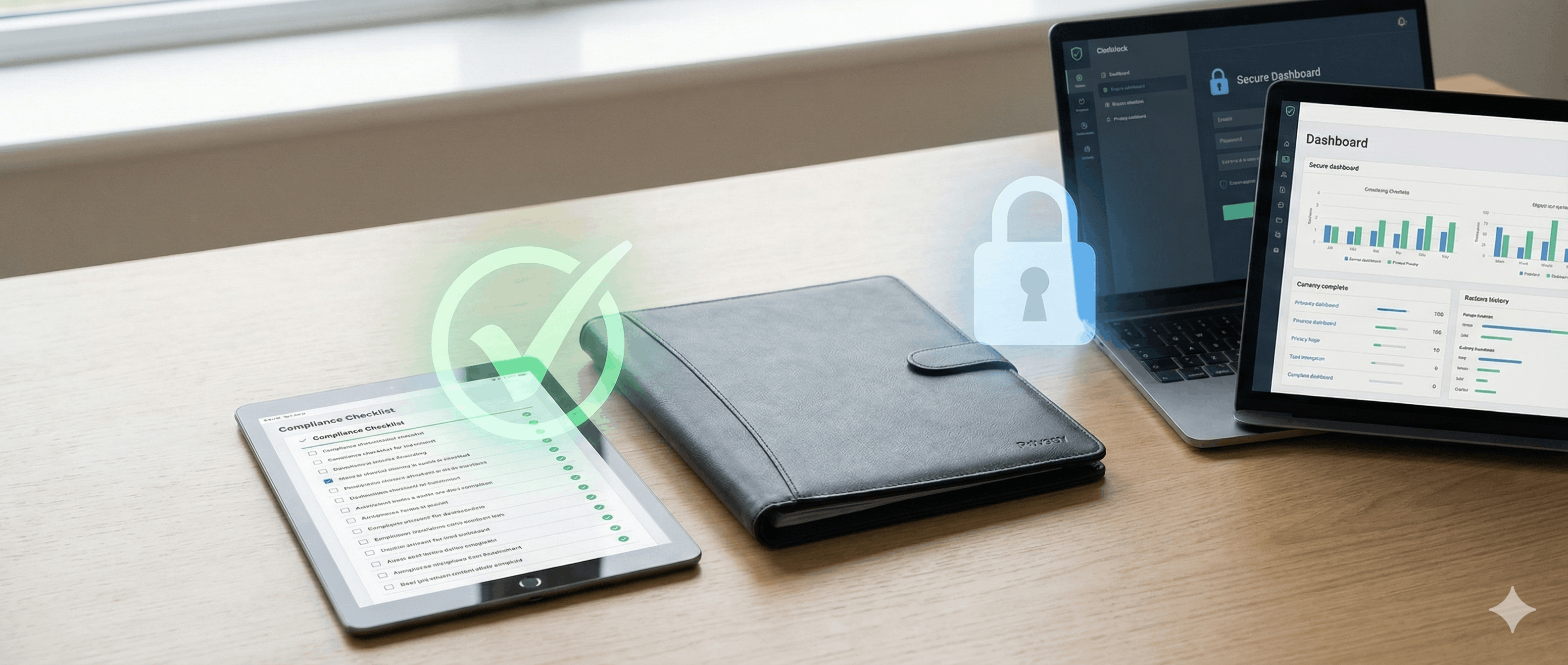
Secure Guest WiFi Use Cases by Industry
Hotels: Guests authenticate once via email, linked to their room registration. The hotel maintains a complete audit trail of network access. If law enforcement ever needs records, the hotel can cooperate fully and prove its own systems weren't involved in any incident.
Retail: Customers connect through a branded splash page, separate from the secured network running point-of-sale systems. Bandwidth controls ensure customer WiFi never impacts payment processing. Voucher-based access tied to purchases ensures only actual customers connect.
Cafés and restaurants: Quick email or social login gets customers online fast. Session limits prevent devices from hogging bandwidth all day. The network that serves guests is completely isolated from the network running orders and payments.
Healthcare: Patient WiFi stays completely separate from systems handling protected health information. SMS verification provides stronger identity confirmation. Documented consent processes satisfy both GDPR and healthcare-specific regulations.
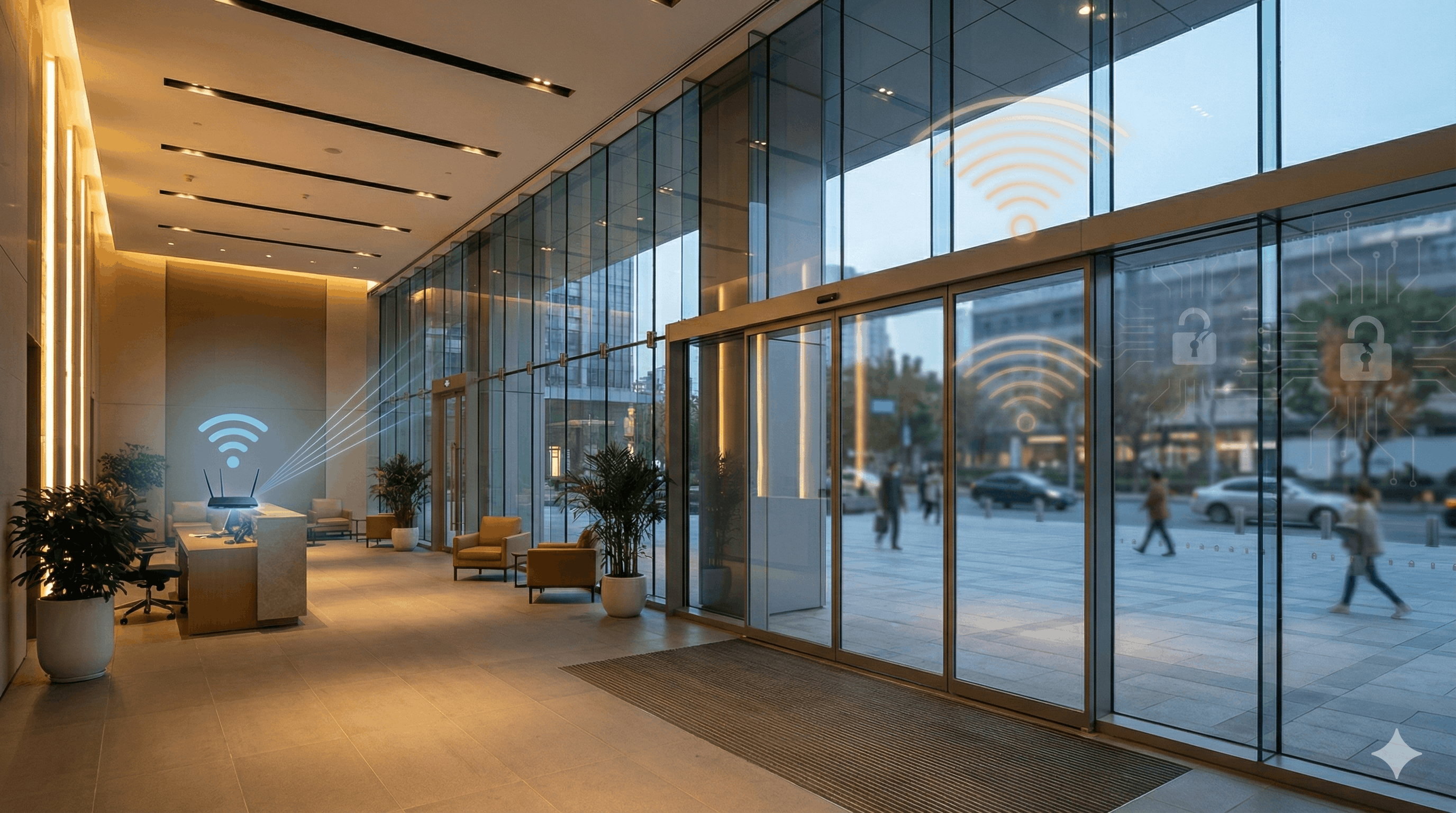
Key Features to Look for in a Captive Portal Solution
Not all captive portal solutions offer the same security capabilities. When evaluating options, these are the features that matter:
Hardware Compatibility and Integration
If a solution requires new routers or firmware changes, implementation cost and complexity multiply. Look for platforms that integrate with major brands like UniFi, MikroTik, Cisco Meraki, Aruba, and Ruckus.
Detailed Audit Logging and Records
Basic login records aren't enough. You need detailed logs showing who connected, when, what terms they accepted, and session duration. This is what protects you when something goes wrong.
.png)
Flexible Authentication Options (SMS, Social, Email)
Different situations require different security levels. A café might want quick email entry; a healthcare facility might need SMS verification. The right solution offers email, SMS, social login (Facebook, Google), voucher codes, and more.
Automatic Compliance and Data Privacy Updates
GDPR and other regulations evolve. Your portal should adapt without requiring you to track data privacy law changes manually.
Bandwidth and session controls: Data limits per user, session time caps, and traffic prioritization protect your operations from guest overuse.
Multi-location management: If you have multiple sites or you're an MSP managing client networks controlling everything from one dashboard with consistent security policies saves significant time.
Spotipo checks all these boxes, integrating with 30+ router brands, storing data in the EU, and providing enterprise-grade security without enterprise complexity.
Implementation: Connecting a Captive Portal to Your Hardware
Modern captive portal solutions work with your existing infrastructure:
- No new hardware: Spotipo integrates with 30+ router brands including UniFi, MikroTik, Cisco Meraki, Aruba, Ruckus, and TP-Link. No firmware changes required.
- Cloud-based setup: Configuration happens through a web interface. The system detects your network and guides you through setup in hours, not weeks.
- Flexible authentication: Choose email capture, SMS verification, Facebook, Google, voucher codes, or simple terms acceptance matching security level to your needs.
- Built-in compliance: GDPR consent mechanisms, privacy notices, and data retention controls included. Automatic updates when regulations change.
Conclusion: Closing the Security Gap in Your Network
Open guest WiFi is a security gap. Anyone can connect; you can't see who's there, and you have no control over what happens on your network. When something goes wrong, and eventually it will, you're exposed.
A captive portal closes that gap. Authentication creates a barrier. Logging creates visibility. Terms acceptance creates accountability. Network controls protect your operations. And the same mechanisms that secure your network also keep you compliant with data protection regulations.
The question isn't whether your guest WiFi needs security. It's how quickly you can implement it.
Ready to secure your guest WiFi? Spotipo offers a free 14-day trial. Setup takes hours, works with your existing router, and gives you authentication, logging, bandwidth controls, and GDPR compliance from day one. ,.
Guest WiFi Security FAQs
Do I need to replace my router?
No. Spotipo works with 30+ router brands, including UniFi, MikroTik, Cisco Meraki, Aruba, and Ruckus. No firmware changes or new equipment required.
Will this slow down the guest experience?
A well-designed login takes seconds. Options like social login (Facebook, Google) or simple email entry create minimal friction. Most guests expect a login page it signals the network is professionally managed and secure.
How long does setup take?
,Most businesses are running within a few hours. The setup wizard detects your network configuration and guides you through connecting your router. No IT department required.


