



Unlimited bandwidth is a great marketing line, but for business owners, it's often a lie. If you're managing guest WiFi on satellite links, Starlink, or metered data plans, you know the reality: one guest streaming Netflix in 4K can turn your customer amenity into a thousand-dollar budget disaster overnight.
Whether you run a cruise ship, a remote hotel, or a multi-location retail chain, you've likely seen this play out. Guests treat your network like their home fiber connection, downloading massive files and video calling for hours, while you watch your data consumption (and your bill) skyrocket.
The answer isn't to pull the plug and frustrate your customers. The answer is smart enforcement. I'm going to show you how we handle bandwidth limits at Spotipo, and how to set them up so your costs stay predictable and your guests stay connected.
The Reality of "Unlimited" Data
For many venues, bandwidth isn't just a utility, it's a major operating expense.

The High Cost of Remote Connectivity: On cruise ships or ferries, satellite data is priced at a premium. A single guest binge-watching a show can literally cost you more than the revenue you made from their booking. Even with Starlink, "high speed" doesn't mean "infinite capacity."
The Overage Trap: Most providers offer a set monthly allowance. If you host a busy conference weekend and burn through that data in 48 hours, the overage fees aren't just high, they're predatory.
The "Hog" Problem: Even on unlimited plans, your pipe has a physical limit. When one user hogs all the bandwidth, everyone else gets a "Connecting..." spinner. It makes your business look amateur.
The Strategy: Volume vs. Flow
To control your network, you need to understand the two levers at your disposal. I always recommend using both.
1. Data Limits (The Volume)
This is your "gas tank." You give a guest a set amount, say 1GB for the day. Once it's gone, they're done unless they upgrade. This is the best way to protect your wallet on pay-per-gigabyte plans.
2. Speed Limits (The Flow)
This is your "governor." By capping a guest at 5Mbps, you ensure they can browse and email perfectly, but they can't choke the network with 4K streams or massive Steam downloads.
Why You Must Use Both
Here's a bit of technical truth: WiFi systems aren't "live" every single millisecond, they check in on usage every minute or so. On a lightning-fast connection with no speed cap, a user could blast through 500MB before the system even realizes they've hit their limit.
The speed limit acts as your safety brake, giving the monitoring system time to catch up and enforce your data caps accurately.
How Enforcement Actually Works
You don't need a degree in network engineering to get this right. The process should be automated:
The Handshake: A guest connects, hits your captive portal, and logs in.
The Rulebook: Based on their login (Free vs. Paid), the system automatically tells the router what rules to apply to that device.
The Watchdog: The system tracks consumption in the background. If a guest approaches their limit, they get a heads-up. If they hit it, the system cuts the flow.
A Note on Technical Precision: Because the system polls usage roughly every 60 seconds, there is an inherent lag. This means a user might go 10-30% over their limit before the system triggers the block. This is standard across the industry. By combining data limits with speed caps, you minimize this "over-run" and keep your totals under control.
Setting Limits That Work (Without Frustrating Guests)

Don't guess. Use your data.
Look at your analytics to see what a "normal" guest actually uses, then set your tiers accordingly.
Basic (The Essentials): 300-500MB at 3-5Mbps. This is plenty for email and social media. It keeps the "free" users happy without costing you a fortune.
Standard (The Workhorse): 1-2GB at 5-10Mbps. Good for video calls and light streaming.
Premium (The Power User): 5-10GB at 15-25Mbps. This is your revenue generator. Let the heavy streamers pay for the extra bandwidth they're consuming.
Real-World Scenarios
Cruise Ships: We see operators use strict tiers to ensure satellite costs don't eat their margins.

Remote Hotels (Starlink): A 1GB daily cap per room is the "sweet spot." It protects the monthly data cap while feeling generous to the guest.
Airports: High turnover means 500MB free at 5Mbps is usually enough to keep the lobby moving and the network snappy.
MSPs & ISPs: If you're managing WiFi for 50 different clients, you need one central dashboard where you can push these policies out instantly without manual configuration at every site.
What to Look for in a Management System
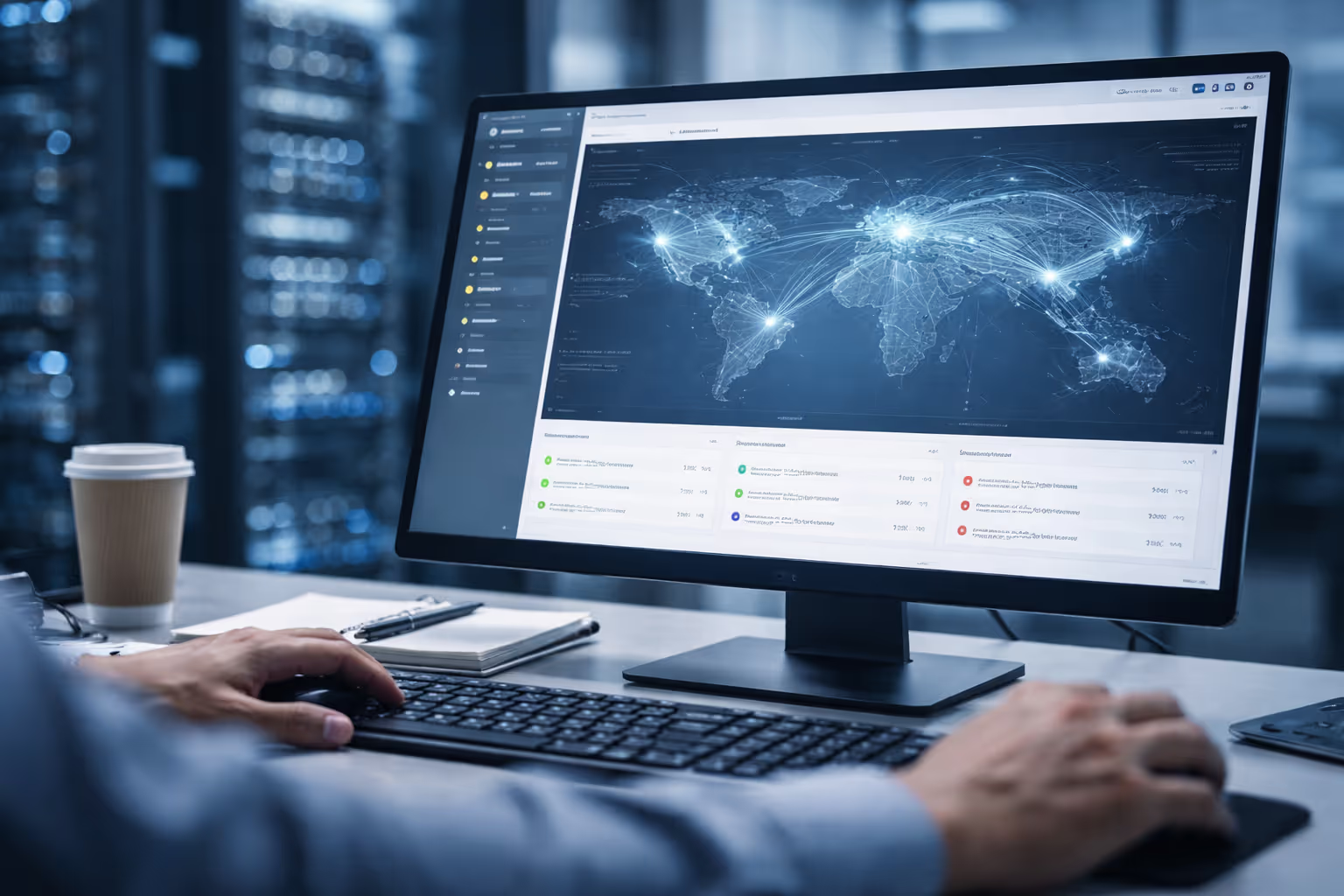
If you're evaluating a solution, it needs to hit these five marks:
Hardware Neutrality: It has to work with the gear you already have (UniFi, MikroTik, Meraki, etc.). Don't let a software provider force you into a $5,000 hardware refresh.
Dashboard Monitoring: You need to see who is using what, updated every few minutes.
Granular Logic: You should be able to set daily, session, or monthly caps with ease.
Automated Alerts: The system should tell the guest when they're at 80% or 90%. Transparency prevents support complaints.
Brand Ownership: For service providers, "white-label" isn't a luxury, it's how you keep your brand front and center.
Take Control of Your Bandwidth
Bandwidth overages shouldn't be a "cost of doing business." They are a preventable expense.
At Spotipo, we built a system that integrates with your existing routers to give you this level of control without the complexity. You can set your limits, protect your budget, and give your guests a reliable connection in under ten minutes.
Ready to stop the overages? Start your free 14-day trial of Spotipo today. →
FAQ: Common Questions About Bandwidth Limits
Why do guests sometimes go over the limit?
The system polls usage every minute. On a fast connection, they can squeeze in a bit more data before the next "check-in." It's standard behavior, just use speed limits to keep it in check.
What's a safe starting limit for most guests?
Start with 500MB per day. It's the industry standard for "fair use" that doesn't trigger complaints but prevents massive abuse.
Can I set different limits for different types of users?
Yes. You can assign different data and speed limits based on how someone logs in, free users get basic access, paying customers get premium bandwidth.
Will this work with my existing router?
If you're using UniFi, MikroTik, Cisco Meraki, Aruba, or any of 30+ other router brands, yes. Spotipo is designed to work with your existing infrastructure.
How do I know what limits to set for my business?
Check your analytics first. See what your average guest actually uses over a week. Set your limits 20-30% above that average to catch only the extreme cases, then adjust based on feedback.
Won't bandwidth limits frustrate my guests?
Not if they're set reasonably. Most guests use very little data for email, browsing, and social media. Only heavy streamers and downloaders hit the limits, and you can offer them an easy upgrade path.
What happens when someone hits their limit?
They get blocked from further internet access, or you can slow their connection to a crawl (depending on your setup). The key is to notify them before they hit the limit so it doesn't feel arbitrary.


