



TL;DR: Event WiFi fails when you underestimate device count (plan for 1.5-2x attendance), skip capacity planning (add 40% headroom), or use authentication systems that can't handle 1,000+ concurrent requests. Success requires proper AP placement, per-user bandwidth caps (8-10 Mbps), and cloud-based captive portals that scale automatically. Email capture at events builds marketing databases at 60-80% rates while voucher systems create tiered access and revenue opportunities.
Event WiFi is where network planning meets reality. Reality usually wins.
You've got 2,000 people connecting simultaneously during the opening keynote. The venue's internet circuit is exactly as reliable as promised (questionable). And when WiFi fails, everyone notices.
This guide covers what actually works for event WiFi, from capacity planning that accounts for real usage to authentication systems that don't collapse under load.
Why Event WiFi Breaks
A coffee shop serves 50 concurrent users across business hours. Manageable.
A conference dumps 500 attendees into the venue at 9 AM, all connecting before the 9:15 keynote starts. Different problem entirely.
Connection surges happen in minutes, not hours. Registration opens, attendees flood in, and authentication requests spike to 1,000+ simultaneous attempts. Your captive portal either handles it or visibly fails.
Temporary infrastructure means limited testing. Hotels refine WiFi over months. Event networks deploy Thursday, go live Friday, tear down Sunday. No time for gradual troubleshooting.
User density creates interference. Metal booth structures at trade shows block signals. Theater seating accommodates 500 people in tight rows. Outdoor festivals deal with weather and mounting challenges.
Poor WiFi doesn't just frustrate attendees-it impacts satisfaction scores, sponsor value, and repeat attendance.
How to Plan Capacity
Start with realistic concurrent user estimates. Not registered attendees-actual devices trying to connect at the same time.
Small events (500-2,000 attendees): expect 200-500 concurrent connections. Medium events (2-5,000 attendees): plan for 500-2,000 concurrent. Large festivals (5-15,000 attendees): you're looking at 2,000-5,000+ concurrent with extreme user churn as people come and go.
Bandwidth varies wildly by event type:
- Music festivals: 5-8 Mbps per user when everyone's posting the headliner
- Corporate conferences: 2-3 Mbps for email and notes
- Trade shows: 3-5 Mbps as exhibitors run demos and process payments
- Developer conferences: 10-15 Mbps when they're streaming sessions or pulling repos
Real example: 3,000-person festival with 1,500 peak concurrent users at 6 Mbps each needs 9 Gbps baseline. Add 40% headroom for the unexpected (there's always something) = 12.6 Gbps total capacity. That's what prevents the network from collapsing when the headliner walks on stage.
Access Point Placement
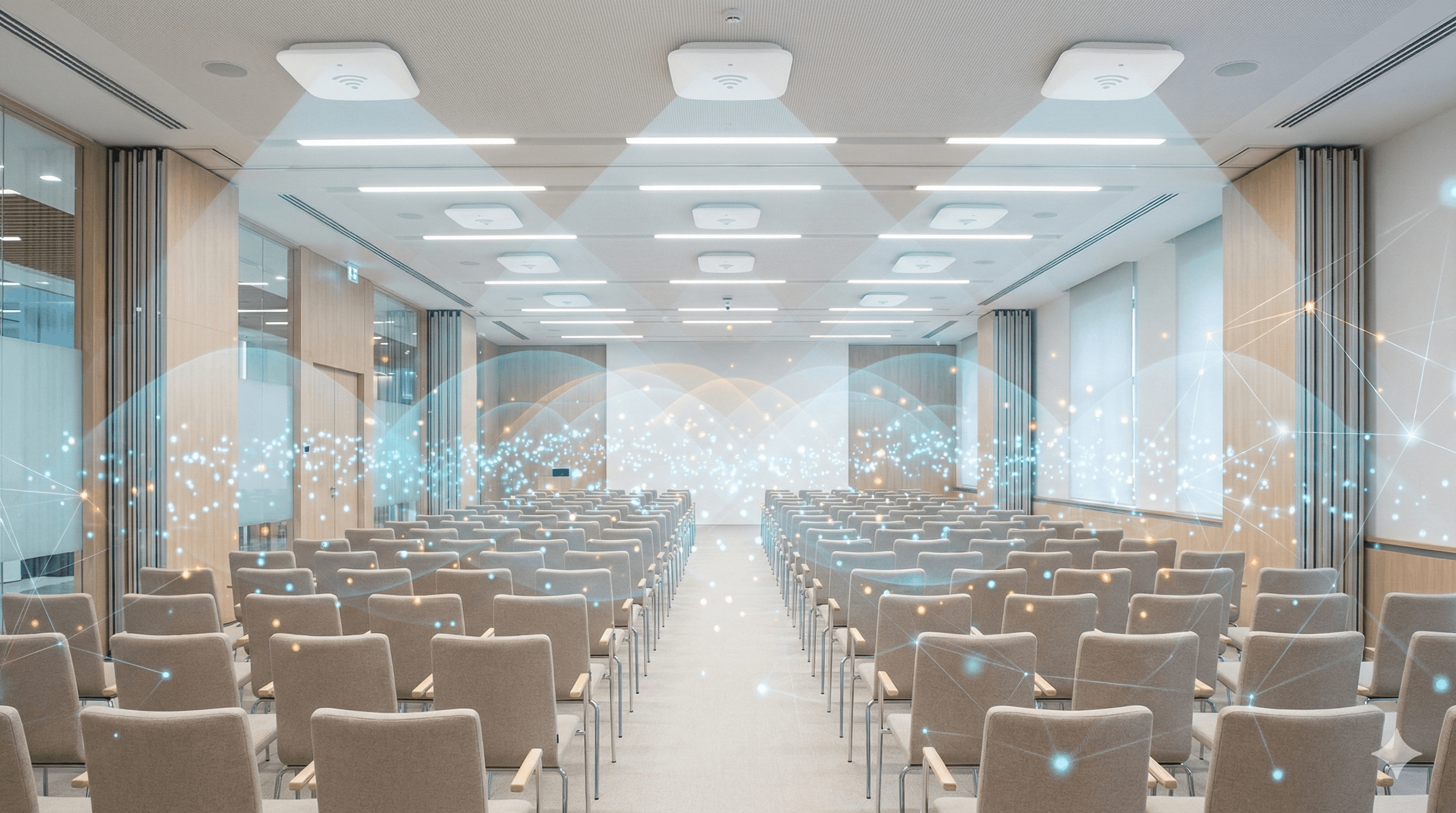
One AP per 50-75 users is the formula. Physical layout matters more.
Conference halls: Mount APs above seating with overlapping coverage. Don't just line them up on perimeter walls-that leaves the middle with a terrible signal where everyone's actually sitting.
Trade show floors: Put APs at booth intersections where metal structures won't block everything. Test from actual booth locations, not from your equipment rack.
Outdoor festivals: Weather-resistant equipment on temporary poles or truss structures. Budget for cellular backup because the outdoor venue's internet is unreliable.
Channel planning: Use non-overlapping 5GHz channels (36, 40, 44, 48) with adjacent APs on different channels. Minimize 2.4GHz for high-density crowds.
Bandwidth caps: Set per-user limits at 8-10 Mbps download, 2 Mbps upload. Enough for normal usage. Prevents that one person from downloading something massive from wrecking everyone else's experience.
Authentication Systems That Scale
The captive portal authenticates users and captures attendee data for post-event marketing.
Email capture builds marketing databases automatically. A 5,000-person festival at 70% capture creates a 3,500-contact database. Spotipo syncs contacts directly to Mailchimp, Klaviyo, or HubSpot for immediate campaigns-no manual export/import needed.

Voucher systems create tiered access. General attendees get 4-hour codes. Exhibitors receive 72-hour vouchers with 50 Mbps limits for demos. VIP speakers get unlimited access. Generate unlimited vouchers with different durations and bandwidth limits from a central dashboard.
Social login offers one-click authentication that reduces bottlenecks. Expect 30-40% adoption-many won't link social accounts at public events.
Critical requirement: Authentication must handle 1,000+ concurrent requests without lag. Cloud-based portals scale automatically. On-premise servers frequently collapse under this load.
Converting Attendees Into Leads

Standard email capture rates run 60-80% at professional events. That's a lot of qualified leads if you do it right.
Form strategy: Email-only fields hit 70-80% completion. Add name and company, you drop to 60-65%. Five+ fields and you're below 50%. The lesson: collect email only, then use progressive profiling in follow-up sequences to get more details from people who actually engage.
Custom fields enable segmentation when you really need it: job title (enterprise buyers vs individuals), company size (SMB vs enterprise), event-specific questions ("Which tracks interest you?").
The trade-off is brutal, though- every field you add kills conversion.
Post-event automation is where the real work happens. Welcome sequences deliver session recordings within hours of the event ending. Segmented campaigns target the specific interests people demonstrated. Sponsors reach the people who visited their booths. Speakers connect with session attendees. The data tells you exactly who cared about what.
Revenue Through Paid WiFi
Create three tiers: Free (2 Mbps, 2-hour limit), Premium ($15/day, 25 Mbps unlimited), VIP ($50/event, priority bandwidth + support). Converts 5-15% of users at professional events.
Positioning matters: Offer during registration when buying tickets. Send upgrade emails 10 minutes before free sessions expire with one-click links. This upsell model converts casual users by demonstrating value first.
Exhibitor packages: Basic (5 devices, 50 Mbps) = $300-500 for 3 days. Premium (10 devices, 100 Mbps) = $800-1,200. Vendors need reliable connectivity for payments and inventory.
Sponsorship: Branded splash pages with sponsor logos, exhibitor promotions, partner showcases. Guaranteed impressions eery attendee sees.
Router Selection and Setup
UniFi Dream Machine Pro works well for most event deployments: controller, routing, and switching in one portable device. Add switches and APs for crowds over 5,000 concurrent users. UniFi setup with Spotipo takes about 30 minutes if you've done it before.
MikroTik gives you powerful features at a lower cost but demands configuration expertise. Good choice for MSPs running multiple events who can template everything and deploy consistently. Advanced bandwidth management and QoS that UniFi doesn't offer.
Cloud vs on-premise controllers: Cloud means configuring and monitoring remotely without lugging servers to venues. The trade-off? If venue internet dies, your management dies with it. For mission-critical events, run cellular failover or keep a local backup controller.
Pre-event testing isn't optional. Show up 24 hours early. Test the complete user flow from where attendees actually sit. Verify the splash page loads on iOS and Android. Confirm email integrations sync. Fix things when you still can.
What Actually Causes Event WiFi Failures
Here's what actually kills event networks.
Device count gets underestimated every single time. You plan for 1,000 registered attendees, but they show up with 1,500-2,000 devices total. Festival crowds average 1.2 devices per person. Corporate conference attendees bring 1.8-2.0 devices each. Plan for 1.5-2x your registration numbers or watch the network buckle.
AP placement follows power outlets instead of people. Every access point ends up on the perimeter walls because that's where the power is. Meanwhile, the center of the venue has terrible coverage and everyone's crammed there during the keynote. Optimize for where users actually sit, not where it's convenient to mount equipment.
Authentication systems collapse under the opening rush. On-premise portal servers that work fine in testing suddenly can't handle 500 people trying to log in simultaneously. They lack the processing power. Cloud-based systems like Spotipo scale automatically to handle 1,000+ concurrent authentications-no manual intervention, no crashed servers during the critical first 15 minutes.
Bandwidth goes uncapped and one person ruins it for everyone. Someone starts downloading a 5GB file, consumes 100 Mbps, and 50 nearby attendees suddenly can't load email. Set per-user limits at 8-10 Mbps download and 2 Mbps upload. Enough for normal usage, prevents the bandwidth hogs.
Pre-event testing gets skipped because "we're short on time." Then the splash page won't load on iOS devices and you discover this at 9 AM when 500 people are trying to connect. Test the complete journey 24 hours before, from actual attendee locations, on multiple device types. Fix problems when fixing them is still possible.
Setting Up Event WiFi That Actually Works
Quick Deployment
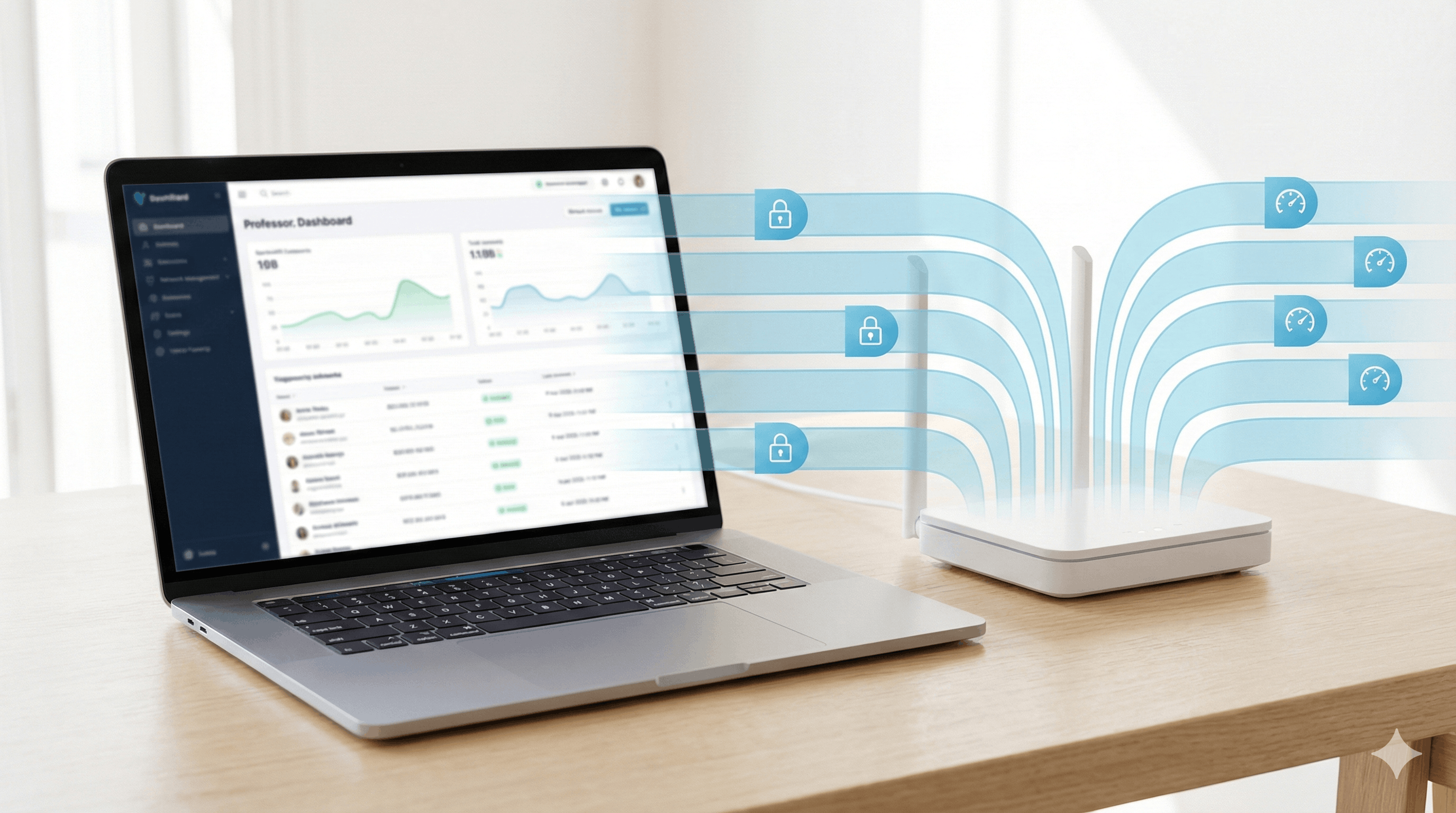
Deploy the network before the event gets complicated. Cloud-based captive portals like Spotipo set up in under an hour - connect your router, configure the splash page, done. No on-premise servers to haul around or complex installations during tight setup windows.
Router Compatibility
Works with UniFi, MikroTik, Cisco Meraki, Aruba, and 30+ other brands. No vendor lock-in means using whatever equipment the venue already has or your preferred hardware. Critical when you're managing multiple events with different infrastructure.
Tiered Access Control
Voucher systems handle the complexity. Generate unlimited codes with different durations and bandwidth limits:
- General attendees: 4-hour codes
- Exhibitors: 72-hour vouchers with higher bandwidth
- VIP speakers: unlimited access
Track real-time usage across all tiers from one dashboard.
Multi-Event Management
Handle simultaneous deployments with unique splash pages and separate analytics for each event. Critical when you're running a festival in Austin and a conference in Chicago the same weekend.
Sponsor Integration
Branded splash pages turn authentication into revenue. Display sponsor logos, rotate exhibitor banners, showcase event partners. Every attendee sees this before accessing internet - guaranteed impressions that sponsors actually value.
Post-Event Marketing
Captured emails sync automatically to Mailchimp, Klaviyo, or HubSpot. Welcome sequences go out within hours. Segmented campaigns target demonstrated interests. The temporary WiFi network becomes the foundation for ongoing customer relationships.
Frequently Asked Questions
How much bandwidth per attendee?
Corporate conferences: 2-3 Mbps. Trade shows: 3-5 Mbps. Music festivals: 5-8 Mbps during peak posting. Developer conferences: 10-15 Mbps for streaming and code pulls.
Best router for event deployments?
UniFi Dream Machine Pro balances capability and portability. MikroTik works for MSPs needing advanced features. Both integrate with Spotipo.
How many APs for 1,000 people?
14-20 access points at one AP per 50-75 users. Physical layout matters more-theater seating vs trade show floors concentrate users differently.
Can event WiFi generate revenue?
Yes. Paid tiers (5-15% conversion at $15-50/event), exhibitor packages ($300-1,200/booth), and sponsor-branded splash pages.
What if the venue internet fails?
LTE routers with automatic failover keep networks operational. Always budget redundant connectivity for mission-critical events.
How to prevent bandwidth hogs?
Configure QoS limits at 8-10 Mbps download, 2 Mbps upload through your router settings.
Fastest authentication method?
Email-only capture. Social login is faster but expect only 30-40% adoption. Offer both.
How to handle tiered access?
Voucher systems. Generate codes with varying durations and bandwidth limits for each stakeholder group.
The Event WiFi Reality
Reliable event WiFi is invisible. Attendees notice only when it fails.
Proper capacity planning with 40% headroom, adequate AP density, sub-100ms authentication, and bandwidth management prevent the failures that wreck event reputations.
The business value goes beyond connectivity:
- Email capture at 60-80% rates builds qualified prospect databases
- Voucher systems create revenue opportunities
- Branded splash pages deliver sponsor value
- Analytics improve future planning
Event organizers can't afford reputation damage from failed WiFi. Seamless connectivity is a baseline expectation now, not a premium feature.
Ready to deploy WiFi for your next event? Start your free 14-day trial and see what event WiFi looks like when the infrastructure actually handles the load.


