


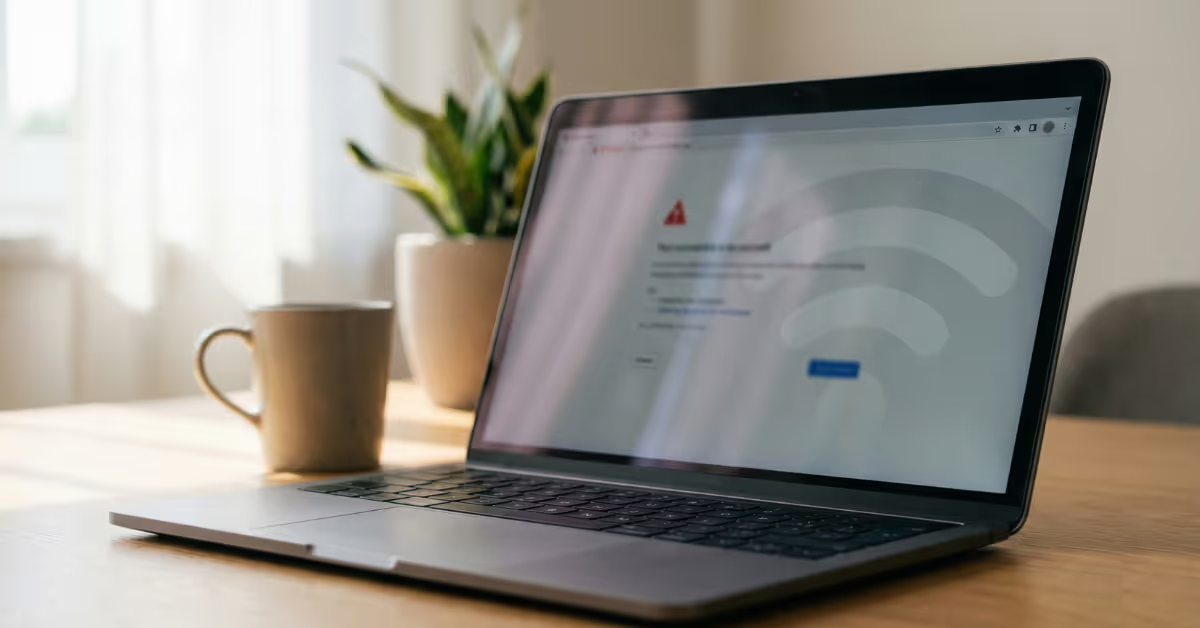
You've connected your router to Spotipo. You've configured the settings. But when you test it, the captive portal just... doesn't appear. Or maybe it shows up, but guests can't get online after logging in.
Don't worry. These issues are almost always fixable in under 10 minutes. This guide covers the seven most common captive portal problems we see, why they happen, and exactly how to solve them.
1. The Captive Portal Doesn't Appear When Guests Connect
.avif)
What's happening
Guests connect to your WiFi network, but instead of seeing the splash page, they either get no internet or bypass straight to browsing. This is the most common issue we see during initial setup.
Why it happens
Usually, it's one of three things:
- The guest network isn't configured to use the external captive portal
- The router can't reach Spotipo's servers (firewall or network issue)
- The access point needs a restart after configuration changes
How to fix it
For UniFi users:
- In your UniFi controller, go to Settings → WiFi → select your guest network
- Under Guest Hotspot, enable "Guest Portal" and select "External Portal Server"
- Enter your Spotipo portal URL (found in your Spotipo dashboard under Site Settings)
- Restart your access points, this step is often skipped but essential
Pro tip: After any configuration change, give your access points a full restart. Many issues we see are simply because the AP is still running with old settings cached.
2. "ERROR: Unable to Enable Internet" on UniFi
What's happening
Guests see the splash page and complete the login form, but then get an error message instead of internet access. The authentication process starts but fails at the final step.
Why it happens
Spotipo needs to communicate with your UniFi controller to authorize the guest's device. If your controller isn't reachable from the internet (or Spotipo's servers are blocked by your firewall), this authorization fails.
How to fix it
Check controller accessibility:
- Make sure your UniFi controller has a public IP or is accessible via a reverse tunnel
- Verify port 8443 (or your custom port) is open and forwarded correctly
Whitelist Spotipo's IP addresses in your firewall:
- 52.59.248.85
- 3.120.187.119
- 3.76.137.233
If you're behind a strict corporate firewall, setting up a reverse tunnel through Spotipo is often the cleanest solution. It eliminates the need for port forwarding entirely.
3. Authentication Stuck on Loading Screen (MikroTik)
What's happening
On MikroTik routers, guests click "Connect" but the page just spins indefinitely. They never get authorized, and eventually the request times out.
Why it happens
MikroTik requires RADIUS communication for guest authorization. If the RADIUS ports aren't open or the shared secret doesn't match, authentication requests never complete.
How to fix it
- Enable incoming RADIUS connections on your MikroTik (ports 1812 and 1813)
- Verify the RADIUS secret in Spotipo matches exactly what's configured on your router
- Check that your MikroTik's public IP is correctly entered in your Spotipo site settings
- If using RouterOS 7+, ensure the hotspot service is properly bound to the correct interface
4. Guests Have to Re-Login Every Time They Reconnect
What's happening
The captive portal works, but guests are forced to authenticate again every time their device disconnects, even briefly. This creates a frustrating experience, especially in venues where people move around.
Why it happens
The session duration or idle timeout is set too short, or the router isn't properly tracking MAC addresses for session persistence.
How to fix it
In your Spotipo dashboard:
- Go to Site Settings → Session Settings
- Increase the session duration (we recommend 24 hours for most venues)
- Adjust idle timeout based on your use case (30-60 minutes works well for cafes and hotels)
For MikroTik specifically, check that the "Cookies" feature is enabled in your hotspot profile. This allows returning guests to skip re-authentication within the session window.
5. Stripe Payments Not Working on the Splash Page
What's happening
You've set up paid WiFi with Stripe integration, but when guests try to pay, the payment form doesn't load, or transactions fail silently.
Why it happens
Stripe's payment form requires access to external JavaScript and API endpoints. If your pre-authentication "walled garden" doesn't allow these domains, the payment interface can't load.
How to fix it
Add these domains to your walled garden (allowed before authentication):
- *.stripe.com
- *.spotipo.com
- js.stripe.com
Also verify that your Stripe account is properly connected in Spotipo (Settings → Integrations → Stripe) and that you've completed Stripe's onboarding process, including identity verification.
6. Portal Works on Some Devices But Not Others
What's happening
The captive portal functions perfectly on iPhones but fails on Android devices, or works in Firefox but not Chrome. Device-specific issues are surprisingly common.
Why it happens
Different operating systems and browsers handle captive portal detection differently. iOS uses Apple's captive.apple.com, Android uses connectivitycheck.gstatic.com, and browsers have their own detection mechanisms. If any of these are blocked, devices may not trigger the portal correctly.
How to fix it
Ensure these captive portal detection domains are accessible before authentication:
- captive.apple.com (iOS/macOS)
- connectivitycheck.gstatic.com (Android)
- www.msftconnecttest.com (Windows)
- detectportal.firefox.com (Firefox)
In UniFi, these are typically whitelisted by default when you enable the guest portal. For MikroTik and other routers, you may need to add them manually to your walled garden list.
7. Slow Authorization or Timeout Errors
What's happening
Everything seems configured correctly, but authorization takes 30+ seconds, or guests see timeout errors before getting connected.
Why it happens
Network latency between your router and Spotipo's servers, or between Spotipo and your controller, can cause delays. DNS resolution issues and overloaded networks also contribute.
How to fix it
- Check your internet connection speed and stability
- If using a reverse tunnel, verify it's active (Spotipo dashboard shows tunnel status)
- Use reliable DNS servers (8.8.8.8 or 1.1.1.1) rather than ISP defaults
- For high-traffic venues, ensure your router hardware can handle the concurrent connection load
If you're seeing consistent delays of 30+ seconds, reach out to our support team. We can check the server-side logs and identify where the bottleneck is occurring.
Still Stuck? Here's What to Do Next
Most captive portal issues fall into one of these seven categories. But if you've worked through the fixes above and things still aren't working, here are your next steps:
Use the Demo Mode
Before troubleshooting your router configuration, test your splash page in Demo Mode (found in your Spotipo dashboard). This confirms your portal settings are correct independently of your network setup.
Check the Debug Tools
Spotipo provides real-time connection logs that show exactly where authentication is failing. Look under Reports → Debug Logs to see what's happening when a guest tries to connect.
Reach Out to Support
We see these issues every day. Send us a message through the chat widget in your dashboard with your site ID and a description of what's happening. We can usually diagnose the problem within minutes by checking our server-side logs.
The Bottom Line
Captive portal troubleshooting can feel frustrating, but the root causes are almost always straightforward: network connectivity, firewall rules, or configuration mismatches. Once you've identified which category your issue falls into, the fix is usually quick.
The most important thing? Don't spend hours guessing. Use the debug tools, test methodically, and reach out to support if you're stuck. We built Spotipo to work with 30+ router brands, and we've seen every edge case imaginable. Your setup challenge has almost certainly been solved before.
Now go get that captive portal working. Your guests are waiting.
Need help with your setup?
Chat with our support team directly from your Spotipo dashboard, or book a free setup call. We're here to help you get connected. → Start your free trial
Frequently Asked Questions
How do I know if my router is compatible with Spotipo?
Spotipo works with 30+ router brands including UniFi, MikroTik, TP-Link Omada, Cisco Meraki, Ruckus, Aruba, Cambium, and more. Check our integrations page for the full list and setup guides for each.
Do I need a static IP address for my router?
Not necessarily. If you have a dynamic IP, you can use Dynamic DNS (DDNS) services or Spotipo's built-in reverse tunnel feature, which eliminates the need for public IP configuration entirely.
Why does my portal work on the first test but fail later?
This often indicates a session or caching issue. Clear your device's WiFi settings, forget the network, and reconnect. Also check that your router isn't caching old portal configurations.
Can I test the captive portal without a physical router?
Yes. Spotipo offers a Demo Mode that lets you preview and test your splash page configuration without any router connection. This is useful for customizing your design before going live.
How long should authorization take?
Under normal conditions, guests should be online within 5-10 seconds of completing the login form. If authorization consistently takes 30+ seconds, there's likely a network configuration issue to investigate.
What's the difference between a reverse tunnel and port forwarding?
Port forwarding opens a specific port on your router to allow incoming connections. A reverse tunnel creates an outbound connection from your network to Spotipo, bypassing firewall restrictions. Reverse tunnels are easier to set up and work behind strict corporate firewalls.


