



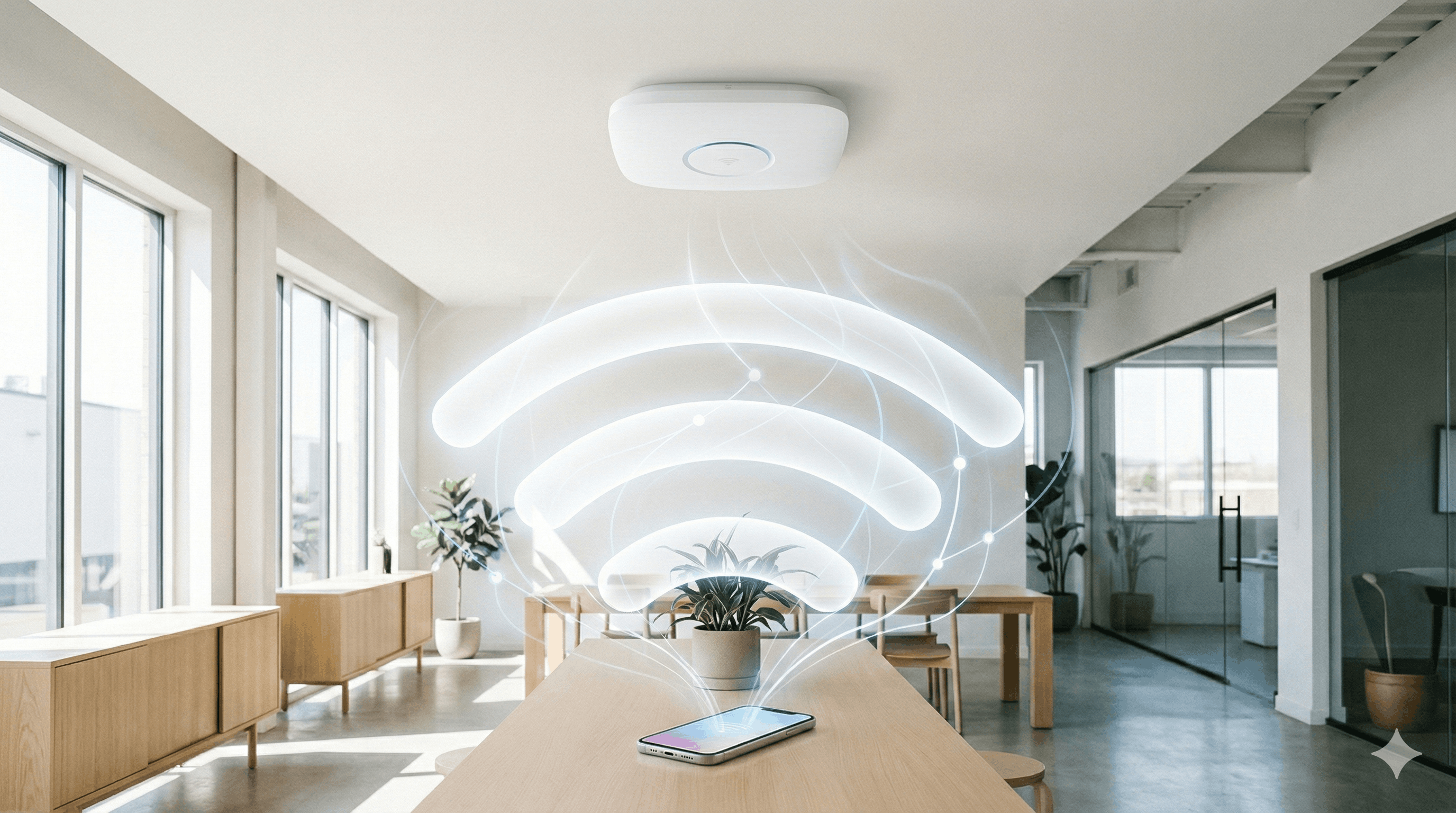
You are wasting the "post-login moment" if you redirect guests to a blank page or a generic homepage.
The few seconds immediately following WiFi authentication represent your highest-attention opportunity. Your guest has voluntarily shared their data, they are physically present in your venue, and they are staring at their screen waiting to see what happens next.
Unlike email campaigns (15–25% open rates) or organic social (declining reach), your post-login landing page has near-100% visibility. Every authenticated user sees it. This is the only channel where you control the message and guarantee the audience is looking.
What happens next determines whether your guest WiFi generates revenue or remains a cost center. Here is what we have learned from our customers about turning this moment into measurable business outcomes.
What Customers Actually Want Post-Login
We analyzed hundreds of support conversations to understand what businesses expect after authentication. The pattern is clear: customers want to act on captured data immediately, not hours or days later.
Immediate Personalization: One customer requested the ability to pass user data (name, email) as URL parameters to their redirect page so they could display personalized voucher codes the moment someone logs in. While this isn't currently supported, it illustrates where customer expectations are moving: businesses want to act on captured data immediately. The gap between authentication and personalization represents the next frontier in WiFi marketing.
Revenue at the Point of Engagement: Businesses increasingly want to connect WiFi authentication to their point-of-sale systems, loyalty programs, and CRM platforms. The post-login screen is prime real estate for cross-selling, upselling, and promotional offers when attention is guaranteed. Most businesses redirect to Google.com or their homepage—neither option leverages this high-attention moment.
Core Redirect Strategies
There is no "one size fits all" redirect. Choose the path that matches your business model:
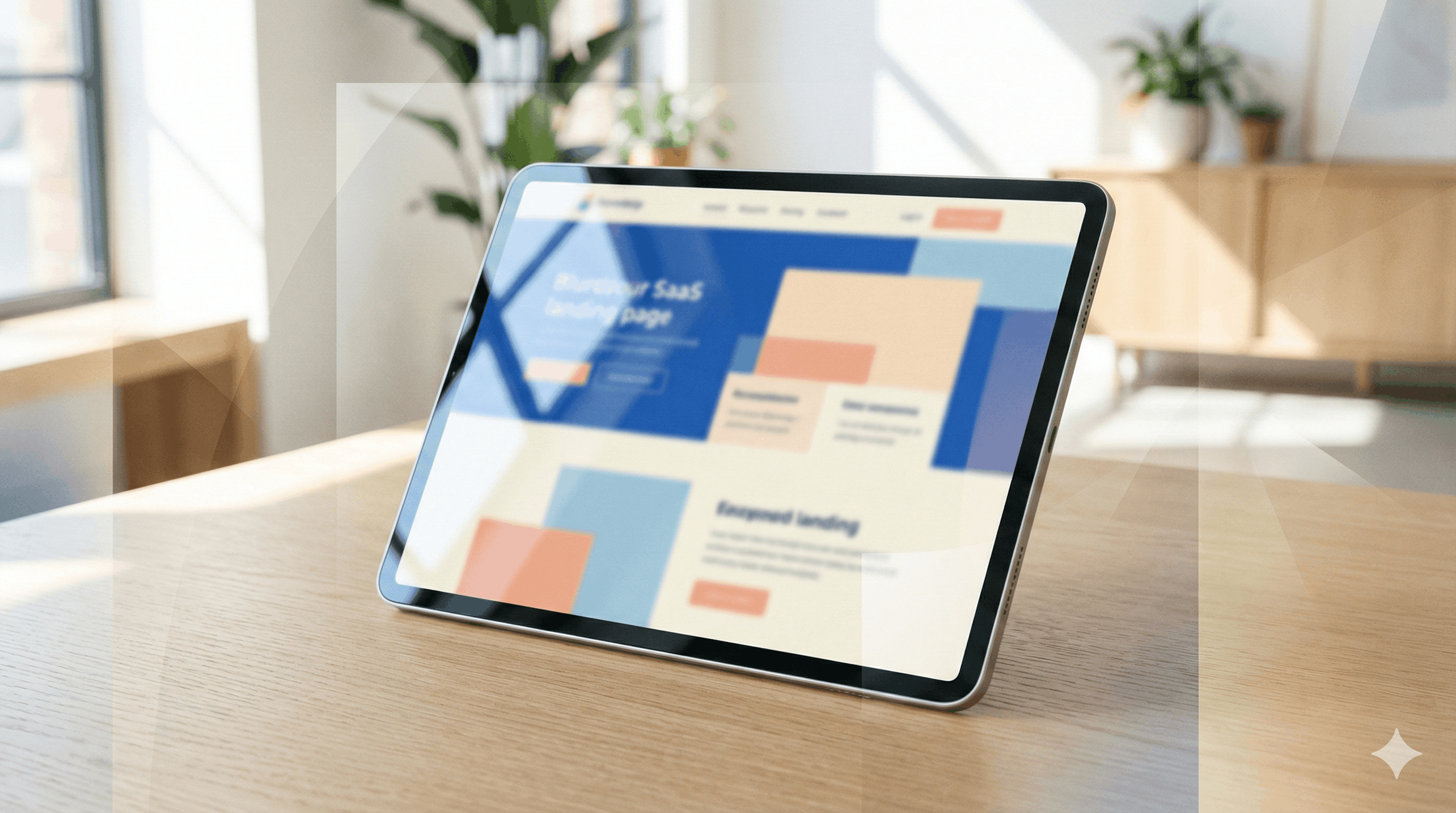
The Branded Landing Page (Best All-Rounder): A lightweight page with your logo, a "You're Online" confirmation, and a single Call-to-Action (CTA). This approach balances brand presence with utility and works for most retail and hospitality venues where you want engagement without friction.
The Specific External URL (High Intent): Direct traffic to a specific destination such as an online menu, booking page, or seasonal promotion. Use this when you have a clear conversion goal. Restaurants redirect to mobile ordering. Hotels redirect to spa booking. Retail stores redirect to current sales campaigns.
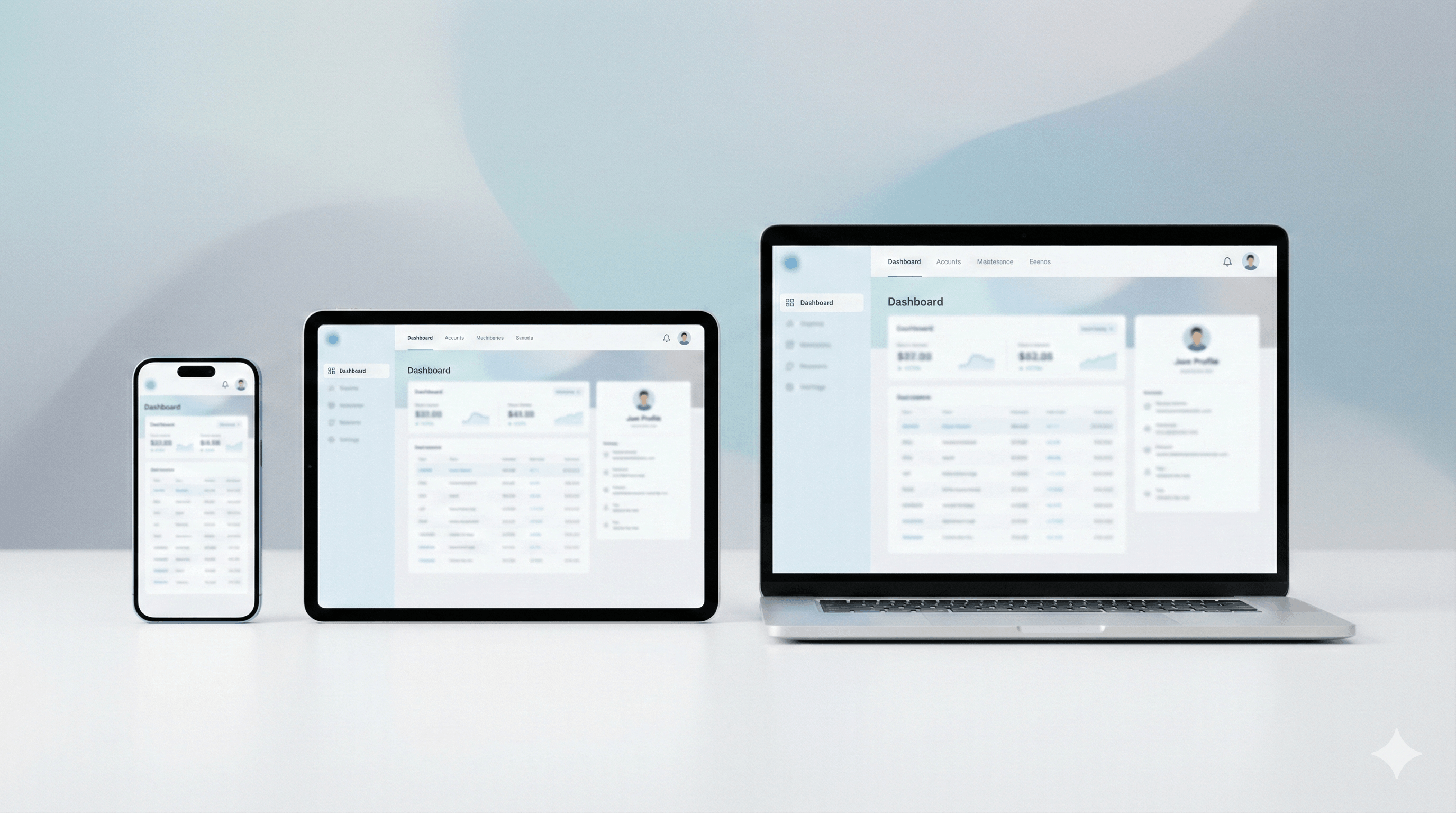
The Portal Dashboard (High Utility): Keep users on the captive portal with a menu of options. Shopping malls show: Directory + Cinema Times + App Download + Parking Info. Event venues display: Schedule + Tickets + Merchandise + Food Ordering. This works when you serve diverse guest needs and want to accommodate multiple intents.
The "Original URL" (Low Friction): Send the user back to the page they were trying to visit when they connected. This is the least disruptive option and works best for productivity-focused environments like coworking spaces or corporate guest networks where users want immediate internet access without marketing interruptions.
The Minimal Confirmation (High Trust): Display a simple "You're Connected" message with your logo and one subtle CTA. Coffee shops with regular customers use this approach. Regulars value frictionless WiFi over promotional content, and aggressive marketing after login feels intrusive in relaxed environments.
High-Value Content: What to Display
Good information design is crucial here. Do not clutter the screen. Based on customer implementations, these elements drive the strongest business outcomes:
1. The Essentials (Trust & Status)
Welcome Message: Keep it short and clear. "Welcome to [Your Venue Name]" establishes brand presence without creating friction.
Session Context: Display time limits or bandwidth allocation to manage expectations and reduce support inquiries. "You have 1 hour of free WiFi" sets clear boundaries. "Upgrade to premium for unlimited access" creates an immediate upsell opportunity.
Legal/Trust: A visible brand logo and a link to your Privacy Policy are non-negotiable for perceived security. Users trust networks that clearly state their terms. We have seen increased conversion when legal elements are present but not prominent enough to distract from the primary CTA.
2. The Marketing Hook (Monetization)
Once trust is established, use the screen real estate to drive business goals. These tactics generate the highest ROI based on customer implementations:
Upsell Premium WiFi: Hotels and airports see strong conversion on premium tiers priced at $5–15. Business travelers who need reliable connectivity for video calls represent particularly strong conversion opportunities. The key is showing the upgrade option immediately after authentication when the value of connectivity is clearest.
Promotional Offers & Cross-Sells: Time-limited discounts create urgency and immediate action. Hotels link to spa bookings and room upgrades. Restaurants show daily specials with "Order Now" buttons. Retail stores display current sales with "Shop Now" links. Track redemption through unique codes specific to the WiFi landing page to measure attribution and ROI. The guest is physically present and just engaged with your brand, creating ideal conversion conditions.
Secondary CTAs: App downloads work as friction-point solutions: "Download our app for faster checkout next time" with direct links to App Store and Google Play. Social prompts like "Follow us on Instagram" or "Check in on Facebook" can grow your audience. Keep these secondary and subtle—users want internet access first, everything else second.
The UX Playbook: Designing for the Micro-Moment
Your users are on mobile devices (95% of WiFi connections), often standing, and in a hurry.
Mobile-First is Mandatory: Buttons must be thumb-friendly (minimum 44x44 pixels), fonts readable (minimum 16px). Test on actual devices. We consistently see higher engagement on pages optimized for one-handed mobile use.
Speed Kills (In a Good Way): Pages must load in under 2 seconds. Users who just authenticated assume the internet is broken if your landing page hangs. Compress images below 100KB. Every second of delay reduces engagement.
Don't Lock Them In: Provide a clear "Continue to Internet" path. Auto-redirect after 3–5 seconds or show a prominent button. Forcing long interactions creates resentment, not conversion.
Single Clear CTA: One primary action that stands out visually. "Book Spa Appointment" as main button, "View All Amenities" as secondary. Mobile users scan quickly and decide fast.
Avoid HTTPS Redirects: Redirecting to HTTPS URLs without proper SSL configuration triggers browser security warnings. This is one of the most common configuration mistakes we see in support tickets. Stick to HTTP or ensure your SSL certificate matches your domain perfectly.
Industry Templates: What Works Where
Different venues require different "visual stories" for their guests. Based on successful customer implementations:
IndustryPrimary StrategySuggested Content StackCafés & RestaurantsConvenience"You're Online" + Digital Menu Link + "Order from Table" Button + Instagram Follow. Auto-redirect after 5s for minimal friction.Hotels & ResortsService DepthWiFi Status + Spa Booking + Room Service Link + Room Upgrade Offer + Late Checkout Option + Loyalty Signup. No auto-redirect; let guests explore.Retail StoresUrgencyHero Image of Current Sale + "Shop Now" CTA + App Download for exclusive mobile coupons. Focus on immediate in-store conversion.Events & StadiumsReal-TimeEvent Schedule + Live Updates + Merch Store Link + Mobile Food Ordering + "Share your experience" Social Prompt. Time-sensitive content performs best.Airports/TransitUtilityFlight Info + Terminal Map + Premium WiFi Upgrade + Ground Transportation Options. Serve immediate practical needs first.Shopping MallsDiscoveryStore Directory with Search + Cinema Showtimes + Parking Information + Mall App Download. Support diverse shopping intents.
Common Mistakes That Cost Conversions
We have diagnosed hundreds of landing page implementations through support tickets. These are the most frequent and costly mistakes:
Payment Gateway Configuration: For paid WiFi, Stripe domain blocking is the most common failure. Whitelist q.stripe.com, js.stripe.com, and api.stripe.com in your walled garden. We receive 10+ weekly support tickets from customers whose users reach payment but cannot enter cards. Direct revenue loss at conversion.
Browser-Specific Issues: Test across iOS and Android. We see specific Chromium browser issues (Chrome, Edge, Opera) on TP-Link Omada where Firefox works but Chromium fails at redirect. These failures are invisible in desktop testing.
No Clear Exit: "Continue to Internet" buttons must be unmissable. Clear exit paths are critical for maintaining positive user experience on mobile devices.
Forced Actions: Requiring signup before internet access kills conversions and generates negative reviews. Make opt-ins voluntary and valuable.
Implementation with Spotipo
Spotipo integrates with 30+ router brands (UniFi, Aruba, Cisco Meraki, Ruckus, MikroTik, TP-Link Omada) to handle technical complexity.
Custom Redirect Configuration: Set your post-login destination in Settings → General → Redirect. Point to your landing page, promotion, or booking system. Different locations can show different pages. Learn how to redirect customers to a custom webpage →
Walled Garden Management: We handle technical requirements so your landing page loads immediately before full internet access. This eliminates "page not loading" frustration. For router-specific setup, see our configuration guides for UniFi, MikroTik, Aruba, and other platforms.
Segmentation: Display different pages based on location, time, or authentication method. Hotels show breakfast promos in morning, bar specials in evening.
CRM Integration: Guest data syncs immediately with Mailchimp, HubSpot, Klaviyo, Salesforce, Customer.io. Trigger automated campaigns the moment someone authenticates.
Customer Portal for Paid WiFi: Guests purchasing premium access receive automatic receipts with transaction history links. Learn more about the Customer Portal → Self-service reduces support burden.
Most businesses implement their first revenue-generating post-login page within their first day. Technical configuration takes 15-20 minutes.
Frequently Asked Questions
What is a post-login landing page?A post-login landing page is the web page displayed immediately after a user successfully authenticates on your WiFi network. Unlike the splash page (which appears before login), the landing page is your opportunity to engage guests after they've connected.
How do I set up a custom redirect after WiFi login?In Spotipo, navigate to Settings → General → Redirect and enter your destination URL. You can point to a custom landing page, promotion, booking system, or any page that serves your business goals. Different locations can display different landing pages.
What should I display on my post-login page?The most effective landing pages include: welcome confirmation, session details (time limits), one clear call-to-action, and relevant offers or information. Avoid generic homepage redirects—WiFi guests need contextually relevant content like current promotions, service booking, or venue information specific to their visit.
Can I show different landing pages for different locations?Yes. Spotipo supports segmentation by location, time of day, and authentication method. Hotels can show breakfast promotions in the morning and bar specials in the evening. Multi-location businesses can customize messaging per venue.
What's the biggest mistake businesses make with post-login pages?Redirecting to generic homepages or providing no clear "Continue to Internet" path. The post-login moment offers guaranteed attention—wasting it on irrelevant content or creating friction damages conversions and brand perception.
How can I track landing page performance?Use URL parameters in your redirect to track traffic in Google Analytics or your web analytics platform. Spotipo also provides session data showing connection patterns and user behavior.
Why does my payment gateway fail during WiFi login?The most common issue is router firewall blocking Stripe domains. You must whitelist q.stripe.com, js.stripe.com, and api.stripe.com in your walled garden configuration. This affects 10+ businesses weekly and represents direct revenue loss at the point of conversion.
The Critical Moment
Customer expectations for post-login experiences are evolving rapidly. Businesses increasingly want to act on captured data immediately rather than waiting for batch CRM syncs or scheduled email campaigns. The post-login moment represents the highest attention and engagement potential in the entire guest WiFi journey.
Don't let the post-login moment go to waste. Every authenticated user represents a conversion opportunity that most of your competition is ignoring.
Start Your 14-Day Free Trial | Book a Demo
Related Articles:


