


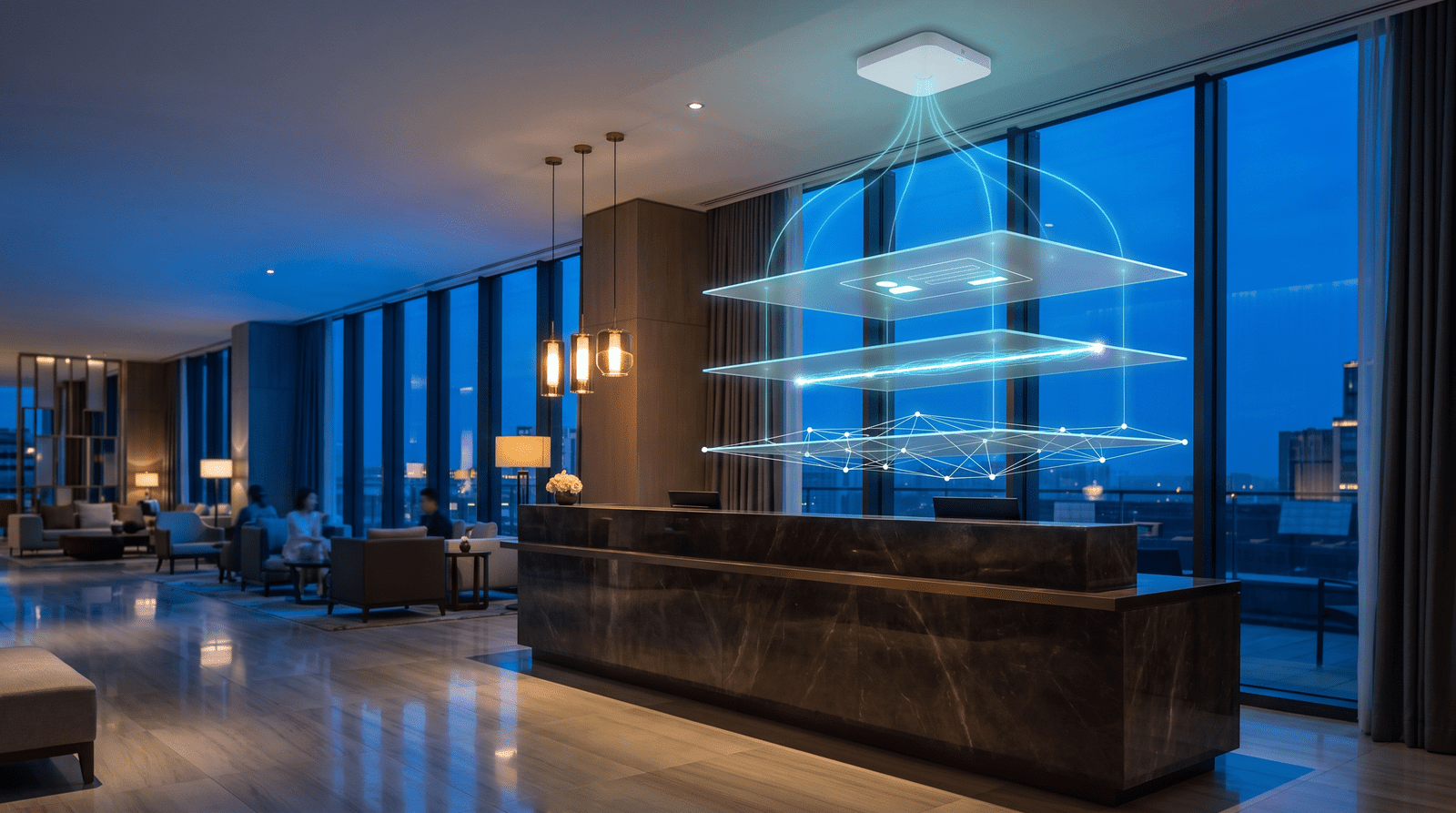
The best WiFi solution for a hotel is usually the hardware you already own, such as Ruckus, TP-Link Omada or UniFi access points, plus a cloud captive portal that handles guest login, reservation checks, paid tiers and bandwidth limits on top. If guests can connect but you can't tell who they are, stop one room from hogging the line, or charge for a faster tier, you're missing the software layer, not another access point.
Search for hotel WiFi solutions and you'll get three kinds of answers. Hardware vendors want to sell you access points. ISPs want to sell you a managed circuit. And the Reddit and Spiceworks threads are full of hotel owners asking the same things: why do guests still complain when coverage looks fine, how do I charge for WiFi without annoying people, and how do I stop one family's four tablets from eating the whole floor's bandwidth?
Here's the thing. Most of those questions have nothing to do with coverage. They're about who gets on the network, for how long, at what speed, and what you learn from it. That's a software problem, and it sits on top of hardware you've already paid for.
Below, we break hotel WiFi into its three layers, compare the ways hotels buy it, and show what the software layer actually does. There's a vendor checklist at the end.
The three layers of every hotel WiFi system
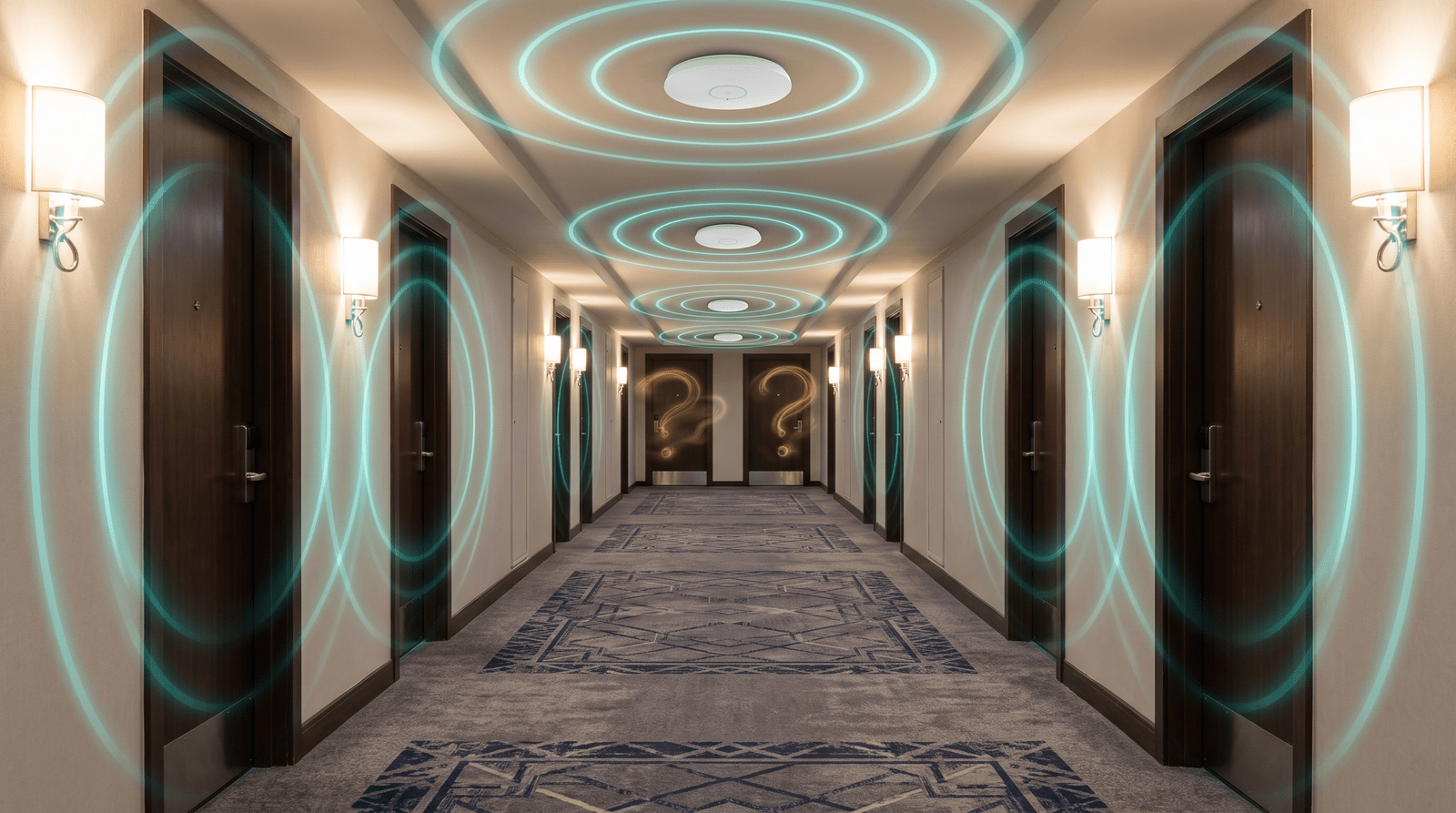
Every hotel WiFi system has three layers, whether anyone's named them or not.

The first is hardware: access points, switches and the controller that manages them. Larger hotels often run Ruckus, smaller properties lean towards TP-Link Omada or UniFi, and plenty of chains have standardized on Cisco Meraki. This layer decides coverage and capacity. If there's a dead zone in room 214, no software will fix it.
The second is the internet connection. Fiber, cable, a fixed wireless link or, at remote properties, Starlink. This layer sets your total bandwidth, and every guest shares it.
The third is the guest software layer, and it's the one most properties skip. It's the captive portal, meaning the login page guests see when they join, plus everything behind it. It decides who's allowed on, how they prove it, how long they stay connected, how much bandwidth they get, whether they pay, and where their details go.
Most controllers ship with a basic splash page: your logo, a terms checkbox, maybe a voucher field. What it usually won't do is check a guest against your PMS, work the same way across hardware brands, or push a guest's email into your CRM. That's the gap.
Hardware vendor vs ISP-managed vs captive portal software
There are three common ways to buy hospitality WiFi solutions. They're not mutually exclusive, and plenty of hotels combine two.

| Hardware vendor (Ruckus, Omada, UniFi) | ISP-managed hotel WiFi | Captive portal software (like Spotipo) | |
|---|---|---|---|
| What you get | Access points, controller, built-in splash page | Circuit, equipment and support in one contract | Guest login, PMS checks, paid tiers, bandwidth rules, data sync |
| Coverage and capacity | Yes, this is its job | Yes, through their equipment | No, it runs on your hardware |
| Guest login options | Basic: password, voucher, click-through | Depends on the provider | Email, SMS, social, voucher, PMS, paid and more |
| Reservation-based login | Usually needs a third-party portal | Depends on the provider | Yes, with a supported PMS |
| Paid WiFi tiers | Basic on some controllers | Depends on the provider | Yes, through Stripe |
| Guest data | Stays in the controller | Depends on the contract | Yours, synced to your tools |
| Switching cost | High (rip and replace) | High (contract terms) | Low (it's configuration) |
Hardware decides whether WiFi reaches the room. Software decides what happens next. If your access points are fine and the complaints are about logins, speed fights or knowing nothing about your guests, you need the layer on top, not new hardware.
Spotipo works with more than 30 router and controller brands without firmware changes, including Ruckus, TP-Link Omada and UniFi.
Hotel WiFi login page options: from shared passwords to PMS login
Your hotel WiFi login page is the first digital thing a guest sees at your property. It's also where most of the friction lives.
A shared password at reception is easy until it leaks to the café next door, which it will. Vouchers fix the leak but add a front-desk job, and guests lose the slip by day two.
PMS login with Cloudbeds
Reservation-based login solves both problems. With Spotipo's Cloudbeds integration, guests enter their room number and the last name on their booking. Spotipo checks both against your Cloudbeds property in real time, and anyone without a live reservation is refused. Neighbors stay off, and nobody at the desk prints anything.

The integration only asks for read access to Room, Reservation and Guest data, so it can't create, change or cancel bookings. Setup is configuration, not development. You create an API key in Cloudbeds, copy your property ID, and paste both into your splash page settings. The Cloudbeds setup guide covers each step, and our post on how reservation login works with your PMS goes deeper into the mechanics.
Syncing guest WiFi data into Zonal
If your property runs on Zonal, the integration works in the other direction. Guest WiFi data syncs automatically into Zonal, so WiFi logins sit alongside the rest of your guest records. Zonal is a closed platform, so you'll need API credentials from your Zonal account manager first. The Zonal integration guide lists exactly what to ask for.
You can see every supported option on the hotel PMS integration page.
Free vs paid tiers, and bandwidth limits
This is where the Reddit threads get heated. Guests expect free WiFi. Owners are paying for the line. Both have a point, and tiers are how you settle it.
How to charge for hotel WiFi without annoying guests
What works for most hotels is a free tier that's genuinely usable for email, maps and messaging, plus a paid tier for streaming, video calls or extra devices. Nobody feels held hostage, and the heaviest users help pay for the line.

In Spotipo, each package has its own price, duration, data limit, speed limit and number of devices, and a free package can sit next to the paid ones. Payments run through Stripe. An automatic upsell email can go out a few minutes before a free session expires, and guests can even buy a package before they arrive, which only starts counting down at their first sign-in. The paid WiFi setup guide walks through a full configuration.
Bandwidth limits that stop one room hogging the line
Let's be honest. One guest streaming on three devices can make the network feel broken for the whole floor, and on a capped connection it can land you with an overage bill too.
Per-user speed and data limits fix this at the source. You set a download and upload cap per package, so the free tier gets enough for everyday use and the paid tier gets more. Session limits stop devices from holding a connection forever. If overage charges are already hitting you, our guide to stopping WiFi overage charges covers the numbers.
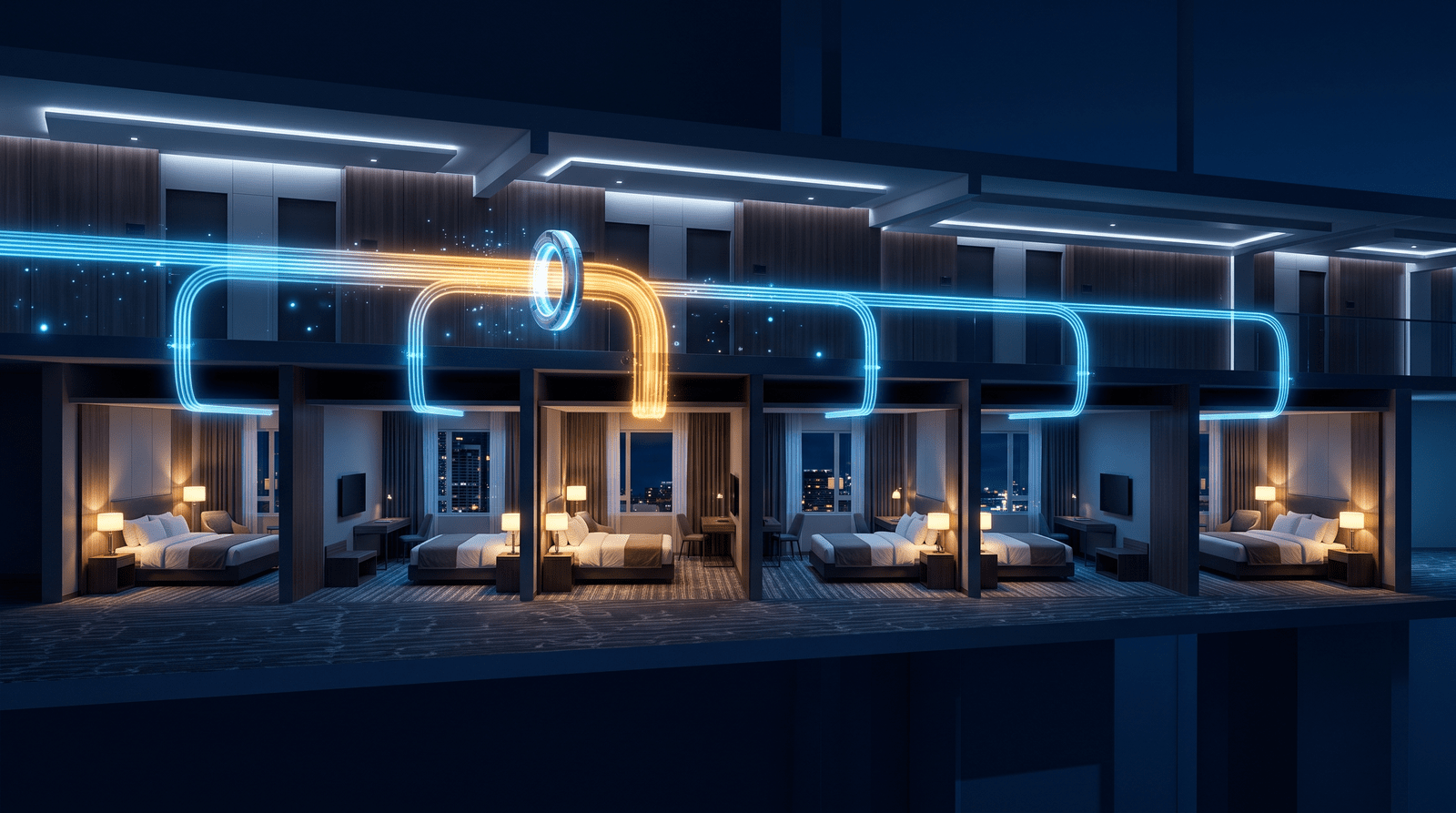
Running a hotel WiFi system across multiple properties
Once you run more than one property, the question changes from "does it work" to "can I manage this without logging into five controllers".
A cloud captive portal gives you one dashboard across all your sites. Each property keeps its own splash page, packages and guest data, but you can sync a splash page design to new sites instead of rebuilding it. Sub-accounts with custom permissions let a general manager run their own property without touching the others. And multi-site voucher login lets one code work at several locations.

It helps mixed estates too. If one hotel runs Ruckus and another runs UniFi, guests still get an identical login, because the portal sits above the hardware. It's the same approach we describe for transport hubs in our airport captive portal guide.
What to look for in hotel WiFi solutions
Take these questions into every vendor call. They separate real hospitality WiFi solutions from a splash page with a logo on it.

| Question to ask | Why it matters |
|---|---|
| Does it work with my existing access points and controller? | Replacing hardware is the most expensive way to fix a software problem. |
| Can guests log in with reservation details, and which PMS systems work today? | Room number and surname login keeps non-guests off. "On the roadmap" doesn't help at check-in. |
| Can I set speed and data limits per package? | This is how you stop streaming from swamping the line. |
| Can I sell paid tiers, and through which payment provider? | You want card payments without building anything yourself. |
| Where is guest data stored, and is consent collected at login? | GDPR applies to guest WiFi data in the EU and to EU guests. |
| Can I manage several properties from one dashboard? | Groups need per-site control without per-site logins. |
| How is it priced? | Per location, per access point or per room changes the math a lot. |
On that last point, Spotipo is priced per location with unlimited access points, and plans are split by unique guests per month rather than room count. The details are on the pricing page.
FAQ
What is the best WiFi solution for a hotel?
For most hotels, it's reliable access points from a vendor like Ruckus, TP-Link Omada or UniFi, plus a cloud captive portal for guest login, bandwidth limits and paid tiers. The hardware handles coverage, and the software handles who gets on and at what speed.
What's the best WiFi solution for small hotels?
Small hotels usually do best with affordable managed hardware like UniFi or Omada and a per-location captive portal subscription. You get reservation login, bandwidth caps and branding without a long contract or an IT team.
Is there hotel WiFi with PMS integration?
Yes. Spotipo checks room number and surname against Cloudbeds reservations in real time, and it syncs guest WiFi data into Zonal. The Cloudbeds integration uses read-only access, so it can't change bookings.
How do I charge for hotel WiFi?
Offer a free tier for basic use and paid packages with faster speeds, longer sessions or more devices. Guests pay by card on the login page. Paid login is included in Spotipo's Pro plan.
What should hotel guest WiFi include?
A branded login page, a way to keep non-guests off, per-user bandwidth limits, and GDPR-compliant consent. Returning-device recognition helps too, so guests don't log in again every time they come back.
Will a captive portal slow down my hotel WiFi?
No. The portal only handles the login step, and after that traffic goes straight out through your own hardware. Bandwidth limits often make the network feel faster, because one heavy user can't crowd everyone else out.
Is hotel guest WiFi GDPR compliant?
It can be, as long as consent is collected clearly at login and data is stored properly. Spotipo can show an explicit consent screen before login and hosts guest data on Google Cloud in Belgium, inside the EEA.
Add the layer your hotel WiFi is missing
Your access points already reach the rooms. The best hotel WiFi solutions also know who's on the network, keep heavy users in check and pay back some of what the line costs you.
Spotipo adds that layer to the hardware you already have, with Cloudbeds reservation login, paid tiers through Stripe, per-package bandwidth limits and one dashboard for every property.
Start your free 14-day trial at spotipo.com. No credit card needed, so you can test it on your own network before your next busy weekend.


